
4 min read
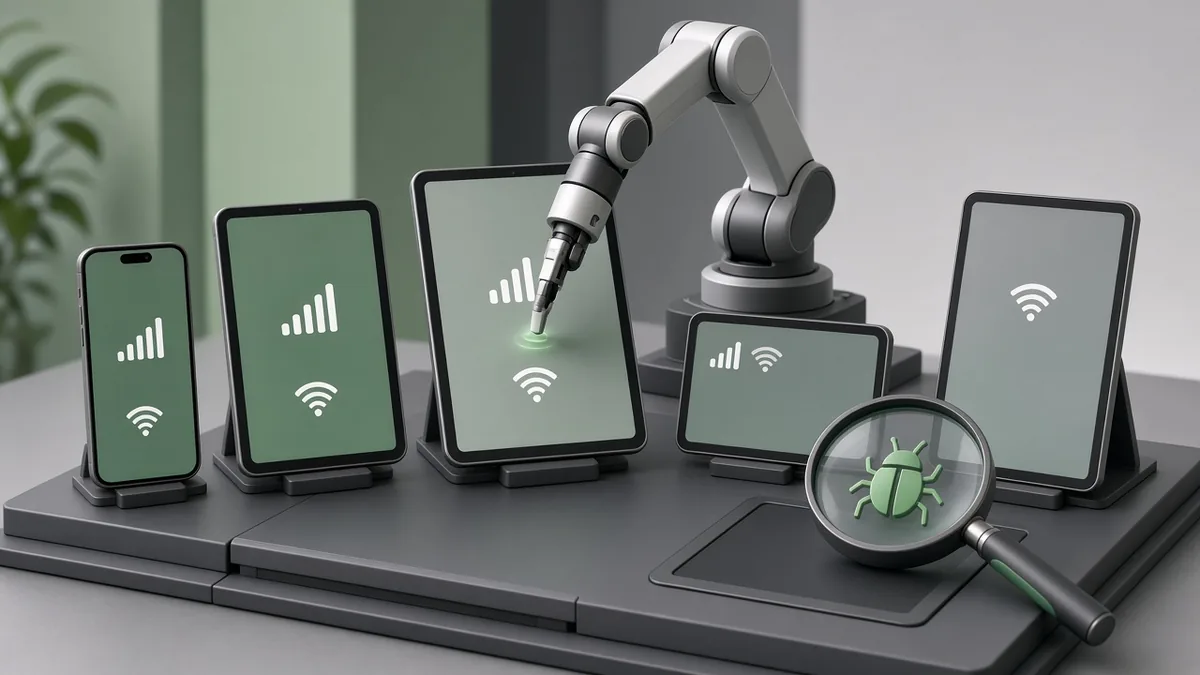
An app that works perfectly on the developer’s phone can still fail for real users. In the Philippines, users run many different Android models, older OS versions and connections that switch between Wi-Fi, 4G, 5G and weak signal. A good testing strategy covers these conditions before launch.
Pick the right test devices
Use your analytics or market data to choose a small set of devices that represent your users: a few popular mid-range and budget Android phones, at least one older device, and current and previous iPhones. Cloud device labs can cover more models when needed.
| Device tier | Why it matters | Example focus |
|---|---|---|
| Budget Android | Limited memory and storage expose crashes and slowness | Startup time, image loading, low storage |
| Mid-range Android | Often the largest share of Filipino users | Main flows, payments, maps |
| Older OS version | Missing APIs and outdated system browsers | Compatibility, permissions |
| Current and previous iPhone | Different iOS versions and screen sizes | Layout, notifications, payments |
Test on real networks
Network conditions are where many Philippine apps fail. Test these situations deliberately:
- Slow and unstable mobile data
- Switching between Wi-Fi and mobile data mid-task
- Going offline during checkout or form submission
- High latency when calling APIs
The app should show clear messages, retry safely and never charge a payment twice.
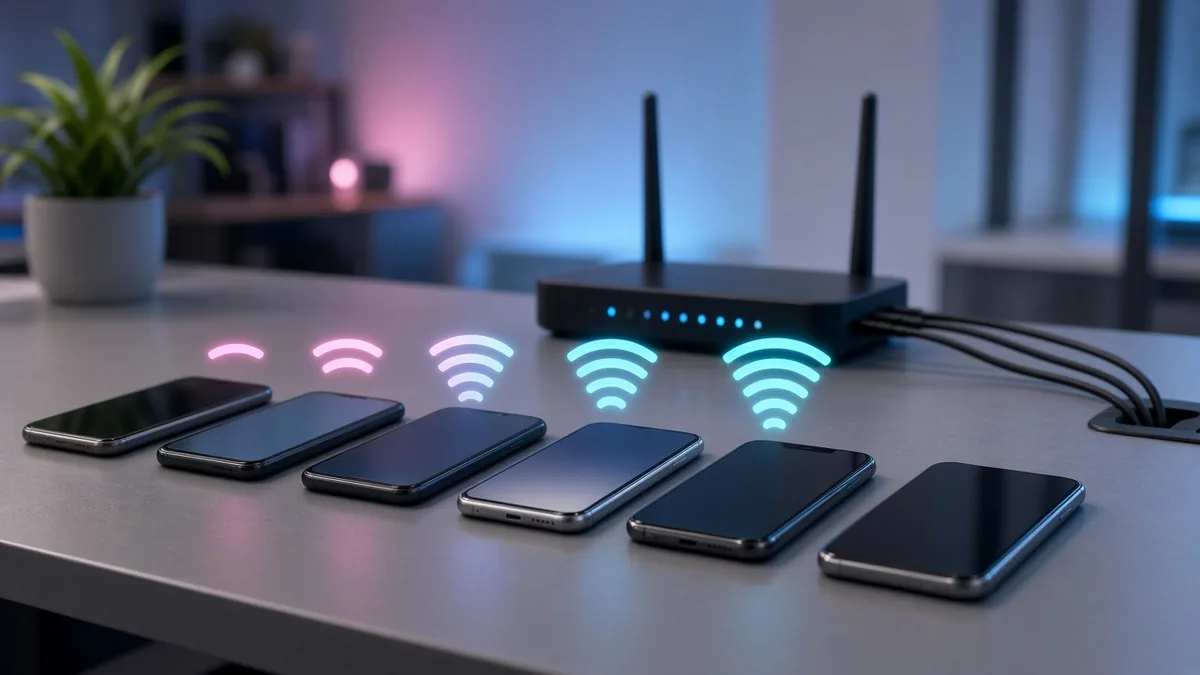
Use network throttling in emulators and developer tools, but also walk outside with real phones on different carriers. Test inside buildings, lifts and moving vehicles, where signal drops are common.
Combine automated and manual testing
Automate tests for the most important flows, such as login, registration, checkout and payments, so they run on every build. Use manual testing for new features, visual checks and exploratory testing where people find problems scripts miss.
Automate
Login, sign-up, search, checkout, payments, API contract tests and regression suites.
Test manually
New features, visual layout, copy, edge cases and real-world exploratory sessions.
Cover the whole app, not just screens
- Push notifications and deep links
- Permissions such as location and camera being allowed or denied
- Battery and data usage, especially for location tracking
- Different screen sizes, font sizes and dark mode
- Updates from the previous app version
Also check what happens when the app is sent to the background and reopened, when storage is almost full and when the phone’s date or language settings differ from yours. Accessibility settings such as larger text are used more widely than many teams expect.
Use beta testing
Release to a small group of testers through Google Play testing tracks and Apple TestFlight before going public. For new personal Google Play developer accounts, a closed test with at least 12 testers for 14 days is required before production access.
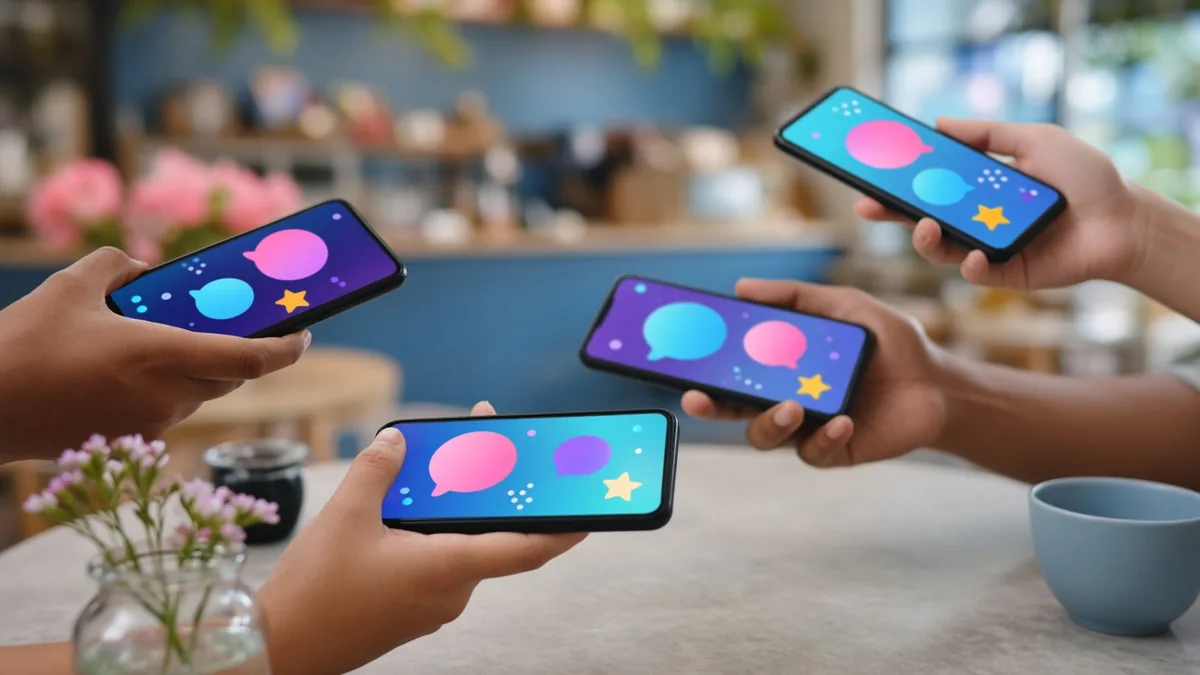
Choose testers who match your users—different phones, carriers and locations—and give them a simple way to report problems with screenshots. Plan the closed-test period into your launch timeline so it does not delay your release.
Keep testing after launch
Monitor crash reports and reviews, and roll out updates gradually so problems affect only a small group of users.
- Track crash-free users and fix the top crashes first.
- Read store reviews weekly and tag repeat issues.
- Use staged rollouts and pause them if crash rates rise.
- Add a regression test for every serious bug you fix.
Frequently asked questions
How many devices do we need for testing?
Start with a small set that covers budget, mid-range and older Android phones plus current and previous iPhones, then add cloud devices for wider coverage.
Is emulator testing enough?
No. Emulators are useful for speed, but real devices on real networks reveal performance, battery and connectivity problems.
What does Google Play require before production for new personal accounts?
A closed test with at least 12 testers for 14 days before production access.
