7 min read
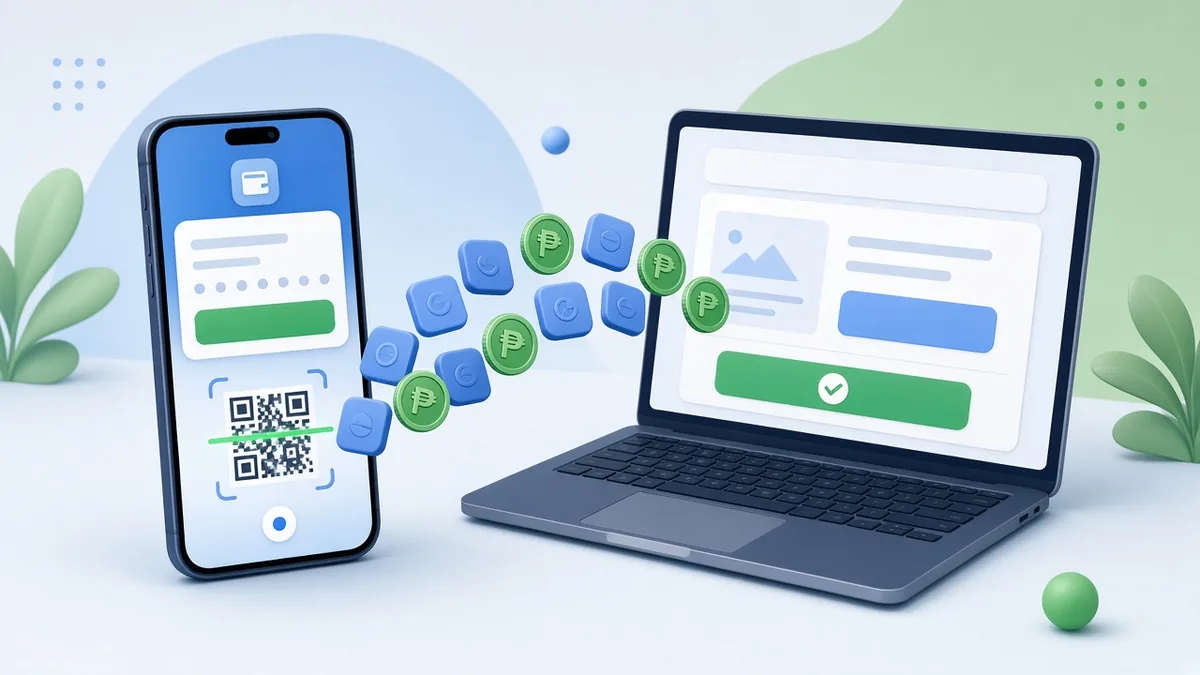
The most reliable way to accept GCash and Maya on your website or app is through a payment gateway such as PayMongo, Maya Checkout or Xendit. The gateway handles the e-wallet login and payment, then tells your website automatically whether the payment succeeded. You apply for a merchant account with your business documents, connect it to your site (WooCommerce stores can use official plugins), test in sandbox mode, and go live. Manual methods like “send us a screenshot of your GCash transfer” work for very small volumes, but they create errors and extra work as you grow.
This guide compares the options, lists the documents you typically need, and covers the technical details that separate a smooth checkout from a stream of “nagbayad na po ako” messages.
Four ways to accept GCash and Maya
1. Manual transfer with proof of payment
Customers send money to your GCash or Maya number and upload a screenshot. It costs nothing to set up, but every order needs manual checking, fake or edited screenshots are a real risk, and orders stay in limbo until someone verifies them. Fine for a handful of orders a week; painful beyond that.
2. QR Ph code
QR Ph is the national QR standard, so one code can be scanned by many banking and e-wallet apps. Displaying a static QR on your checkout page is simple, but you still have to match payments to orders manually unless you use a dynamic QR generated per transaction through a provider.
3. Payment gateway (recommended for most businesses)
A gateway gives you one integration for several payment methods. For example, PayMongo supports cards, GCash, Maya, GrabPay, ShopeePay, QR Ph and online banking, subject to the channels enabled on your account. Maya Checkout and Xendit offer similar multi-method options, and all three provide WooCommerce plugins. The customer is redirected to pay, and your site receives an automatic confirmation.
4. Direct wallet merchant programmes
GCash and Maya both run business programmes for merchants. Direct arrangements can make sense for larger businesses with high volumes. Most SMEs find a gateway simpler because it covers many methods under one contract and one dashboard.
Comparison
| Method | Setup effort | Automatic confirmation | Best for |
|---|---|---|---|
| Manual transfer + screenshot | None | No | Very low volume, testing demand |
| Static QR Ph | Low | No | Walk-in and small online sellers |
| Payment gateway | Medium (application and integration) | Yes | Online stores, booking sites, apps |
| Direct wallet programme | Higher | Yes | High-volume merchants |
What you usually need to apply for a gateway
Requirements vary by provider and business type, but expect some or all of the following:
- Business registration: DTI certificate for sole proprietors, or SEC documents for corporations and partnerships
- BIR Certificate of Registration
- Mayor’s or business permit
- Government-issued ID of the owner or authorised signatory
- A bank account in the business or owner’s name for payouts
- A working website or app with product descriptions, prices, contact details, terms and conditions, and a refund or return policy
Apply early. Verification can take days, and missing policies on your website are a common reason for delays. Also check which business categories the gateway supports; some regulated or high-risk categories need extra review.
How the checkout flow should work
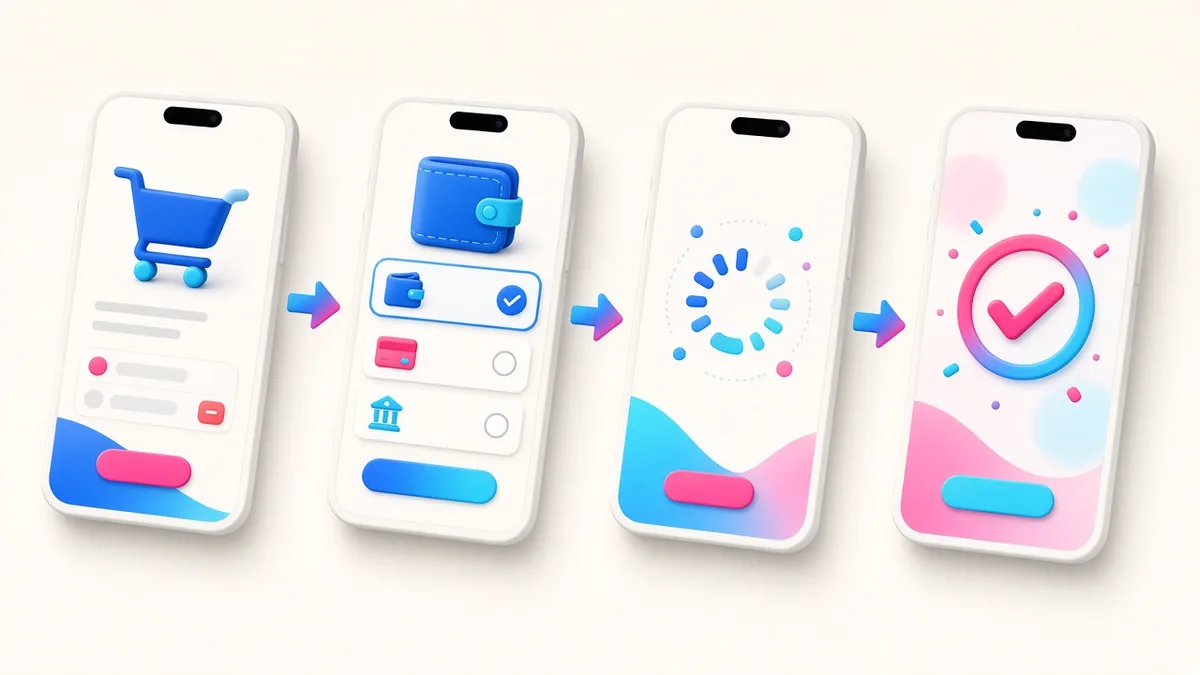
- Customer adds items to the cart and chooses GCash, Maya or another method.
- Your site creates a payment request with the gateway and redirects the customer (or opens the wallet app on mobile).
- The customer logs in to their wallet, confirms with their MPIN or OTP, and pays.
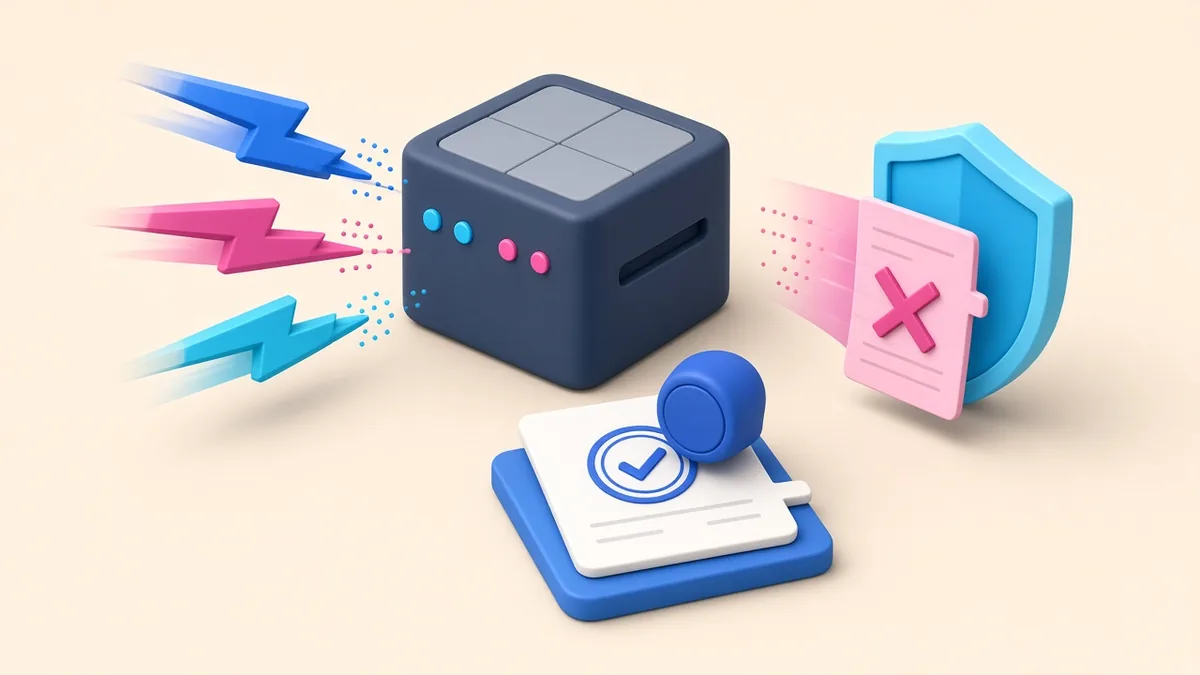
- The gateway sends a notification to your server (a webhook) saying the payment succeeded, failed or expired.
- Your site updates the order status, sends a confirmation by email or SMS, and alerts your staff.
The critical detail is step 4. Your system should rely on the gateway’s server-to-server confirmation, not just on the customer landing on a “thank you” page. Customers close browsers, lose signal and switch apps mid-payment.
Technical details that save headaches
- Handle pending and failed payments. Show clear messages and let customers retry or choose another method without re-entering their whole order.
- Prevent double charges. Guard against customers tapping “Pay” twice or refreshing during payment.
- Reserve stock sensibly. Decide how long an unpaid order holds inventory before it is released.
- Reconcile daily. Match gateway settlement reports with your orders so finance can trust the numbers.
- Plan refunds. Know how refunds work for each method and who in your team can issue them.
- Use test mode first. Gateways provide sandbox environments. Test success, failure, cancellation and refunds before going live.
- Never store card or wallet credentials. Let the gateway handle sensitive payment data. Your site should only store references and statuses.
Fees: what to check
Gateways charge per transaction, and the rate often differs by method (cards, e-wallets, QR Ph, online banking). Some also have fixed fees per transaction or settlement fees. Rates change, so compare the current pricing pages of the providers you are considering and calculate the cost on your typical order value. Decide whether you will absorb the fee or build it into your prices; check the gateway’s terms before adding surcharges.
In mobile apps
The same gateways work inside apps, usually through their mobile SDKs or a secure web checkout opened within the app. If your app sells physical goods or real-world services (food, deliveries, rides, bookings), you can generally use your own payment gateway. Apps that sell digital content or subscriptions consumed in the app fall under Apple’s and Google’s in-app purchase rules, so check those before designing your payment flow.
Keep customers’ trust
- Show accepted payment methods before checkout, not only at the last step.
- Display your delivery fees, timelines and refund policy clearly.
- Send an immediate confirmation with an order number.
- Give customers a way to reach a human if a payment goes wrong, such as a Viber or Messenger link.
- Protect customer data in line with the Data Privacy Act of 2012 (RA 10173).
Frequently asked questions
Can I accept GCash on my website without a registered business?
Some gateways accept individual sellers with limited features, but most require business registration for full merchant accounts. Registering with DTI and BIR also makes you eligible for more payment methods and higher limits.
How long do payouts take?
It depends on the gateway and method. Check the settlement schedule in the gateway’s terms, and factor it into your cash flow planning.
Do I need a separate integration for GCash and for Maya?
Not if you use a gateway that supports both. One integration can cover e-wallets, cards and QR Ph together.
Can I still offer cash on delivery?
Yes. Many Philippine stores offer COD alongside e-wallets. Just be clear about any COD limits or fees, and consider requiring e-wallet payment for high-value or custom orders.
More guides
- The Mobile App Development Process, Step by Step
- How Long Does It Take to Build a Website? A Realistic Timeline
- Native vs Hybrid vs Web App: Which Should Your Philippine Business Build?
- What Your Business Website Needs: 15 Must-Have Features for Philippine SMEs
- White-Label Apps Explained: Launch a Food Delivery, Ride-Hailing or E-Wallet App Faster
