

7 min read
A good small business website in the Philippines does not need to be fancy. It needs to load fast on a phone, tell visitors in seconds what you offer and where you are, make it effortless to call, message or book, and give Google enough clear information to show you in search results. Everything else is secondary.
Below are fifteen features that matter most for Filipino SMEs, from sari-sari suppliers and clinics to law firms, restaurants and contractors, with a note on why each one earns its place.
First impressions: the essentials
1. A mobile-first design
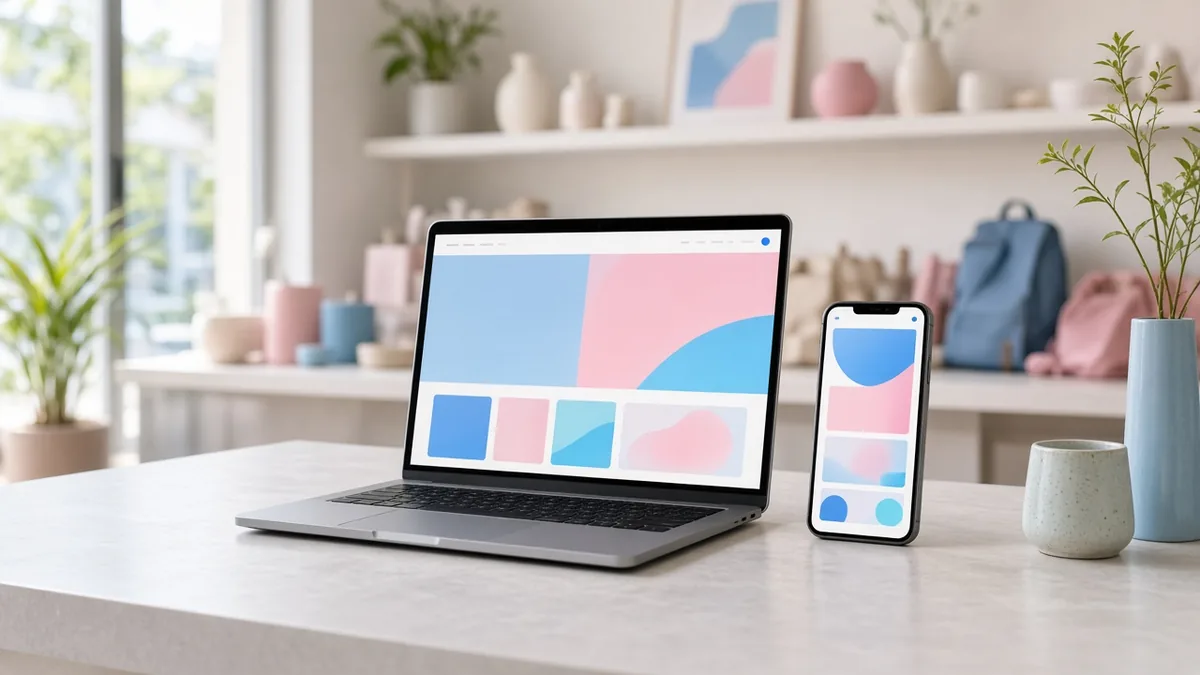
Most of your visitors will arrive on a smartphone, often a mid-range Android phone. Design for that screen first: readable text without zooming, buttons large enough for thumbs, and no content hidden behind hover effects that do not work on touch screens.
2. A clear headline that says what you do and where
Visitors decide within seconds whether they are in the right place. “Family dental clinic in Marikina, open Saturdays” works better than “Welcome to our website”. Put your main service and location at the top of the home page.
3. One-tap contact options
Filipino customers often prefer to message rather than fill in forms. Add click-to-call phone links, plus buttons for the channels you actually answer: Viber, WhatsApp, Messenger or SMS. Only list channels someone monitors; an unanswered chat does more harm than none.
4. Fast loading on mobile data
Heavy sliders, uncompressed photos and autoplay videos drain prepaid data and patience. Aim for pages that are usable within a few seconds on a normal 4G connection. Compress images, limit animations and avoid loading scripts you do not need.
5. HTTPS security
Your site should load on https with a valid SSL certificate. Browsers warn visitors about insecure pages, particularly on forms. Many hosts include a certificate at no extra charge.
Helping customers decide
6. Clear service or product pages
Give each main service its own page, with what it includes, who it is for, and what happens next. A single “Services” page listing ten items in one line does not help customers or search engines.
7. Prices or price guidance
You do not have to publish a full price list, but “starts at” pricing or package examples filter out mismatched inquiries and build trust. Businesses that hide all pricing often get more messages asking “hm po?” and fewer serious leads.
8. Real photos
Photos of your actual shop, team at work, products and completed projects are more convincing than stock images. Stock photos are fine for backgrounds, but show the real business wherever you can.
9. Trust signals
Show what makes you legitimate: your registered business name, years in operation if applicable, professional licences, accreditations, partner logos you are allowed to use, and genuine customer reviews. For clinics and law firms, list the professionals and their credentials.
10. An FAQ section
Answer the questions you already get on chat every day: payment methods (GCash, Maya, bank transfer, cash), delivery areas, parking, opening hours, how long a service takes. An FAQ saves staff time and helps you appear for question-style searches.
Getting found and staying legal
11. Location details and a map
Include your full address, landmarks people actually use (“across the barangay hall”, “beside the public market”), a Google Maps embed and your opening hours. Keep these details identical to your Google Business Profile.
12. Basic on-page SEO
Every page needs a unique title and meta description, one clear main heading, descriptive image file names and alt text, and a URL that makes sense. Submit a sitemap to Google Search Console so your pages get discovered.
13. Analytics and Search Console
Set up Google Analytics and Google Search Console from launch. They show how people find you, which pages they read and which searches you appear for. Without data, every website decision is a guess.
14. A privacy notice and consent on forms
If your site collects names, phone numbers or emails, the Data Privacy Act of 2012 (RA 10173) applies. Publish a privacy notice that explains what you collect and why, and do not add people to marketing lists without their consent.
Keeping it running
15. An editor you can use, plus backups
You should be able to change opening hours, add a promo or post an update without calling a developer. Just as important: automatic backups stored away from your server and a clear owner for software updates and security.
Features by type of business
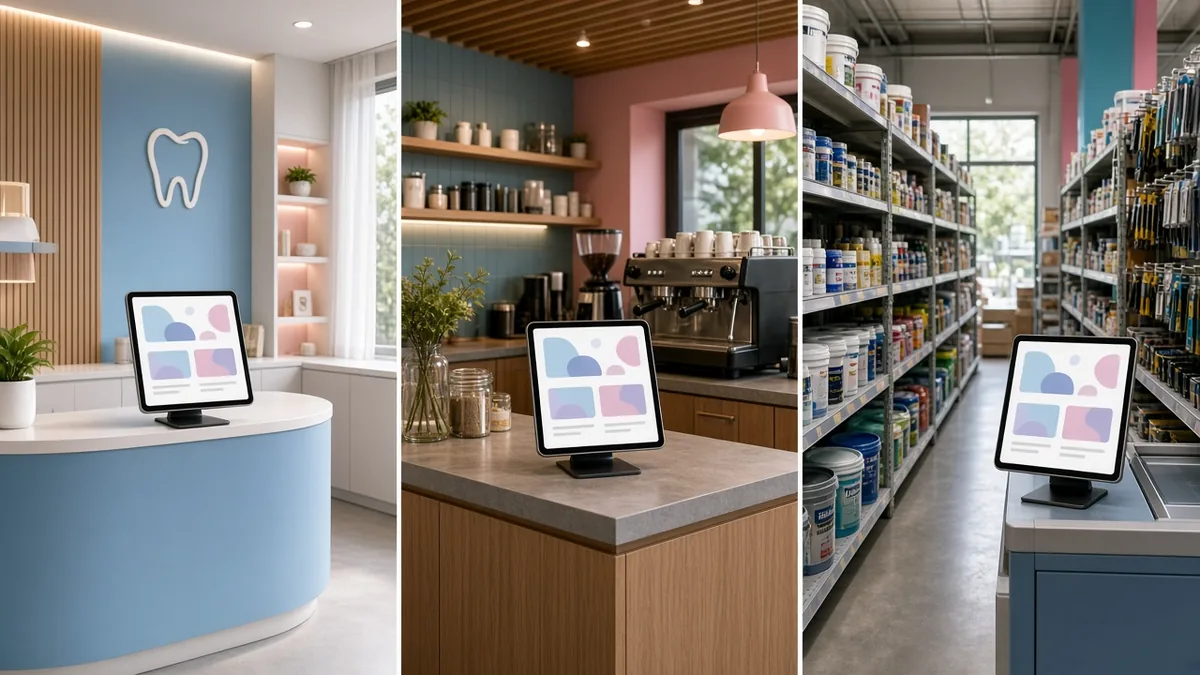
Beyond the fifteen basics, different industries benefit from specific additions:
| Business type | Worth adding |
|---|---|
| Clinics and dental offices | Online appointment requests, doctor schedules, HMO accreditations, clear notes on what patients should bring |
| Law firms | Practice area pages, attorney profiles, consultation booking, a clear note that website inquiries do not create a lawyer-client relationship |
| Restaurants | Menu that loads fast (not a heavy PDF), online ordering or reservation link, delivery areas, pickup instructions |
| Retail and online sellers | Product catalogue, cart and checkout, GCash and Maya payments, shipping fees by area, return policy |
| Contractors and home services | Service area list, project gallery, quote request form with photo upload |
| Hotels and resorts | Room pages, rates, availability or booking engine, how-to-get-there directions |
What you can skip for now
- Autoplay background videos
- Pop-ups that appear before visitors have read anything
- Pages with nothing to say (“News” sections that were last updated years ago)
- Social media feeds embedded on every page, which slow loading
- Complicated animations that look good on a desktop and stutter on phones
Checklist: does your current website pass?
- Can a visitor on a phone tell what you do within five seconds?
- Can they call or message you with one tap?
- Does the site load quickly on mobile data?
- Does it show https in the browser?
- Are your address, hours and map correct and matching your Google listing?
- Is there a privacy notice on forms?
- Do you know how many people visited last month?
- Can you update content yourself?
If you answered “no” to three or more, your website is probably costing you inquiries.
Frequently asked questions
Do I still need a website if I have a Facebook page?
A Facebook page is useful, but you do not control it, and it does not rank in Google for your services the way a website can. A website also looks more established to clients such as corporate buyers, patients and legal clients who research before contacting you.
How many pages does a small business website need?
Many start with five: Home, About, Services (or one page per main service), FAQ or Pricing, and Contact. Add pages when you have something genuinely useful to say.
Should my website be in English or Filipino?
Write in the language your customers search and read in. Many Philippine business sites use clear, simple English, with Filipino or Taglish phrases where they feel natural for the audience.
Is online booking worth adding?
For appointment-based businesses such as clinics, salons and consultants, usually yes. It reduces back-and-forth messaging and captures bookings outside office hours.
More guides
- Native vs Hybrid vs Web App: Which Should Your Philippine Business Build?
- How Long Does It Take to Build a Website? A Realistic Timeline
- White-Label Apps Explained: Launch a Food Delivery, Ride-Hailing or E-Wallet App Faster
- Freelancer vs Web Development Agency in the Philippines: Which Is Right for Your Business?
- How to Choose a Web Developer in the Philippines: 12 Questions to Ask Before You Hire
