

8 min read
News date: September 29, 2026 (announced at OpenAI DevDay 2026).
On September 29, 2026, OpenAI introduced GPT-6.1 Sol, an upgrade to its GPT-6 Sol model. OpenAI says GPT-6.1 Sol “nearly matches GPT-6 Astra’s intelligence on agentic coding, computer use, and professional work at one-fifth of Astra’s standard input and output token prices.” In simple terms: much of the capability of OpenAI’s top model, at a far lower cost. The model was announced at OpenAI’s DevDay 2026 and is available in ChatGPT for paid business plans, in Codex and through the OpenAI API.
Lower prices for capable AI models matter for Philippine businesses because they change what is affordable to build: customer support assistants, document processing, internal tools and AI features inside apps. This article summarises what OpenAI announced and how local businesses can think about using it sensibly.
The key facts
- What it is: an upgrade to GPT-6 Sol aimed at “important everyday work,” including writing and debugging code, understanding documents and executing multi-step business workflows.
- Where it is available: according to OpenAI, starting on launch day to all Plus, Pro, Business, Enterprise and Edu users in ChatGPT Work and Codex. OpenAI said it was not yet available in Chat. Developers can access it through the OpenAI API as
gpt-6.1-sol. - API pricing: $2 per million input tokens, $0.10 per million cached input tokens and $10 per million output tokens.
- Cached input: OpenAI says cached input is 95% cheaper than standard input and 50% cheaper than GPT-6 Sol’s cached input pricing, “giving developers more room to build and run capable agents that reuse context across requests.”
- Context: OpenAI’s API documentation lists a context window of about 1.05 million tokens and a maximum output of 128,000 tokens.
What OpenAI claims about performance
OpenAI published results from its own evaluations. According to the announcement:
- On a benchmark of complex software-engineering tasks in real codebases, GPT-6.1 Sol matches GPT-6 Astra at roughly one-fifth of the cost, and exceeds GPT-6 Sol’s best score by 6.4 percentage points at lower reasoning effort and cost.
- On an evaluation of answering professional questions using complex PDF documents, including tables, charts and fine print, GPT-6.1 Sol scores higher than Anthropic’s Opus 5.5 with fallbacks at less than half the cost per task across the tested settings, and approaches GPT-6 Astra at roughly one-fifth the cost.
- On a test of multi-step business workflows, GPT-6.1 Sol scores 2.2 percentage points above Opus 5.5 at medium reasoning effort.
As RohitAI pointed out in its analysis, these are vendor-run launch evaluations rather than independent verdicts. They are useful signals, but businesses should test any model on their own tasks before relying on it.
Why cheaper capable models matter
For many AI features, cost decides whether a project makes sense. A support assistant that answers thousands of customer questions a month, or a system that reads hundreds of invoices and purchase orders a day, uses a lot of tokens. When a model with near-top performance costs a fifth as much, projects that were too expensive last year may become practical.
The cached input pricing is especially relevant. Many business applications send the same long instructions, product catalogue or policy document with every request. If that repeated context is cached, the cost of each request falls sharply. That makes it more affordable to give an AI assistant detailed knowledge of your business.
What this means for Philippine businesses
Practical use cases
- Customer support: an assistant on your website or app that answers common questions about products, prices, delivery areas and booking, and hands over to a human when needed. It can work in English and, with testing, in Filipino.
- Document processing: extracting details from invoices, delivery receipts, application forms or contracts into your system. The improved PDF understanding OpenAI describes is relevant here.
- Internal tools: drafting proposals, summarising reports, preparing product descriptions or answering staff questions from your internal manuals.
- Software development: developers can use the model through Codex and other tools to write, review and debug code faster. That can reduce the time needed for some development work, although human review remains essential.
- Agents: multi-step workflows such as checking stock, preparing a quotation and drafting an email for approval.
Start small and measure
The best AI projects begin with one clear, measurable task. For example: “Answer the 30 most common customer questions on our website, and transfer anything else to staff.” Measure accuracy, customer satisfaction and cost for a few weeks before expanding.
Protect customer data
Before sending customer information to any AI service, check what data is necessary, how the provider handles it and whether your privacy notice covers it. The Philippine Data Privacy Act of 2012 applies to personal data you share with third-party processors. Remove or mask unnecessary personal details, use business accounts with appropriate data controls and document your decisions.
Keep humans in the loop
AI models can make mistakes with confidence. For anything involving money, legal commitments, medical information or important customer decisions, have a person review the output. Design your system so the AI drafts and a human approves.
Avoid lock-in
The AI market moves quickly. Google, Anthropic and others release competing models regularly. Build your application so the model can be swapped with limited changes, and keep your prompts, test cases and data in your own systems.
ChatGPT subscription or API: which do you need?
There are two different ways to use the model. A ChatGPT business subscription gives your staff a ready-made tool for writing, research, analysis and coding through ChatGPT Work and Codex. It needs no development work and is a good way to improve productivity inside the company.
The API is for building AI into your own website, app or systems, such as a chat assistant for customers or automatic processing of uploaded documents. It requires development, and you pay per token used. Many businesses start with subscriptions for staff, learn what works, and then build API-based features for customers once they understand the value.
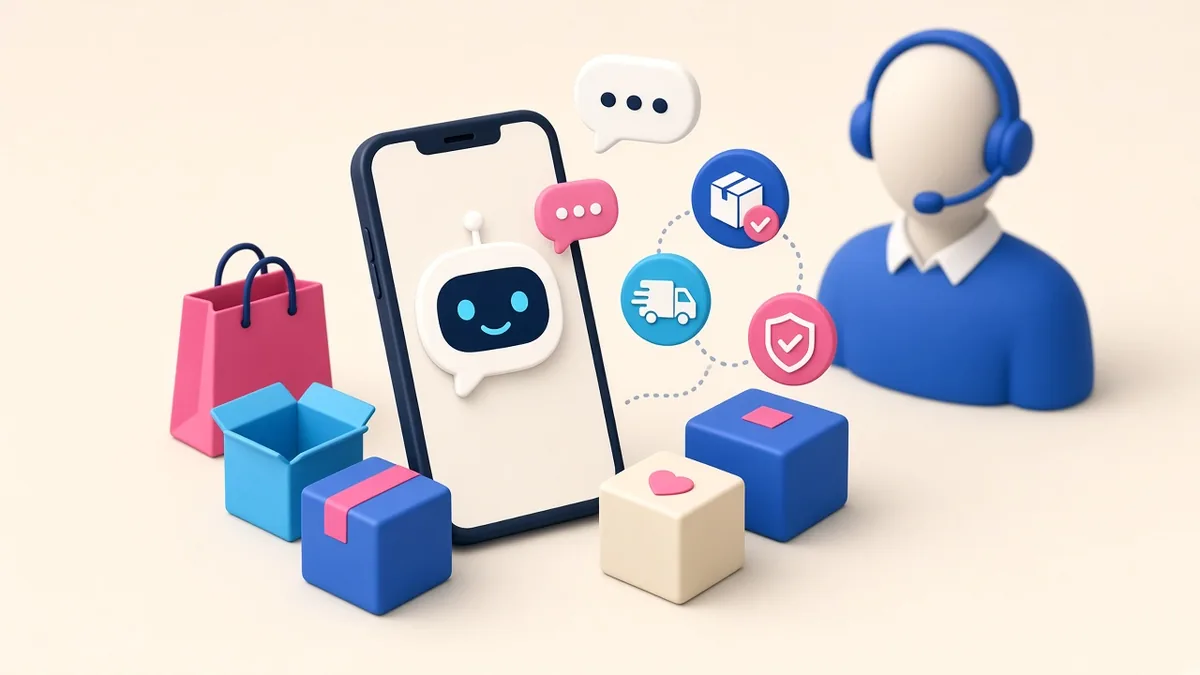
Example: a support assistant for an online store
To make this concrete, here is how a typical Philippine online store might add an AI assistant, step by step:
- Collect the knowledge: product information, delivery areas and fees, payment methods, return policy and the questions customers ask most often.
- Write clear instructions: tone of voice, topics to avoid, when to hand over to a person and what not to promise, such as exact delivery dates that depend on couriers.
- Connect safe data only: for order status, the assistant looks up the order through a limited internal API after verifying the customer, instead of having direct database access.
- Test with real questions in English, Filipino and Taglish, including tricky and rude ones.
- Launch with a visible human option and review conversations weekly to improve answers.
Reusing the same store knowledge in every request is exactly where cached input pricing helps keep costs down.
How to estimate the cost
A rough method: estimate the average size of each request and response in tokens (a token is roughly three-quarters of an English word), multiply by the expected number of requests per month, and apply the published prices. Account for cached input if you reuse the same instructions. Then add a margin for testing, retries and growth. A developer can build a small prototype to measure real usage before you commit.

Questions to ask before adding AI to your website or app
- What exact problem will the AI solve, and how will we measure success?
- What happens when the AI does not know the answer?
- What customer data will be sent, and is it necessary?
- Who reviews AI outputs before they affect customers or money?
- What is our monthly budget limit, and how will we monitor usage?
- Can we switch to another model if prices or quality change?
Frequently asked questions
Is it safe to send customer data to an AI model?
It depends on the provider’s terms and your setup. Under the Data Privacy Act of 2012, you are still responsible for the personal data you share. Send only what is needed, remove details such as ID numbers where you can, and tell customers in your privacy notice that AI tools may process their messages.
Will an AI assistant replace my support team?
For most small businesses it works best as a first line that answers common questions, with a clear handover to a person for refunds, complaints and anything sensitive.
Can it answer in Filipino or Taglish?
Large language models generally handle Filipino and mixed-language messages, but test with real customer questions before launch and review answers regularly.
How do I stop it from inventing answers?
Give it your own approved content (product lists, policies and FAQs), instruct it to say when it does not know, and log conversations so you can spot and correct mistakes.
Further reading on ServicioPro
Planning a new app or website feature? Read our guides on mobile app development costs in the Philippines, how to choose a web developer and app privacy compliance basics.
References
- OpenAI, “Introducing GPT-6.1 Sol.” openai.com
- OpenAI API documentation, “GPT-6.1 Sol Model.” developers.openai.com
- RohitAI, “GPT-6.1 Sol: Benchmarks, Pricing, API, and the New Routing Math,” September 29, 2026. rohitai.com