8 min read
News date: October 7, 2026.
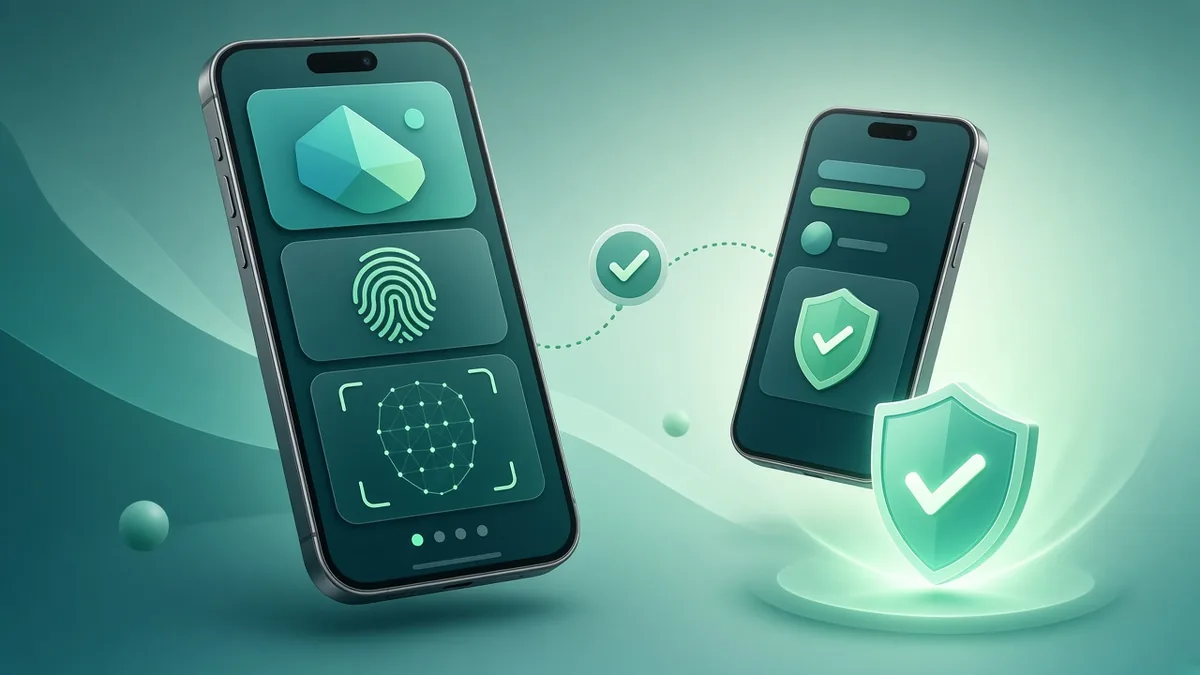
On October 7, 2026, digital bank and e-wallet Maya urged its customers to use the built-in security controls in its app’s Security Center to protect their accounts and transactions. According to a report by Context.ph, Maya has expanded the Security Center since it launched last year, grouping its protection features in one place. These include trusted devices, biometric approval of transfers instead of SMS one-time PINs (OTPs), login reviews, instant card freezing and transfer limits.
The announcement is aimed at Maya users, but it also reflects a wider change in how Philippine fintech apps fight scams: moving away from SMS OTPs, binding accounts to trusted devices and giving users simple controls. Any business that builds apps with logins, wallets, stored value or payments can learn from it.
What Maya announced
According to Context.ph:
- Trusted devices: upgraded accounts can enroll trusted phones through the Security Center.
- Biometric approvals: users can approve Send Money transactions with Face ID or fingerprint instead of an SMS OTP.
- Account controls: users can manage trusted devices, review logins, update their details, freeze cards instantly and set transfer limits to block unauthorised access.
- Behind the scenes: AI-based monitoring supports these user controls. Maya holds ISO 27001 and ISO 27701 certifications, runs a fraud-awareness programme called ScamPatrol, and works with the BSP, the Cybercrime Investigation and Coordinating Center (CICC), the Department of Justice and the Philippine National Police to fight scams.
“Protecting your funds means constant investment in safeguards and simple tools you can use,” said Maya Group President Shailesh Baidwan. “Everything is in our Security Center — straightforward to find and apply.” He added: “We keep strengthening defenses, but using these tools is your best daily protection.”
Maya’s own help centre explains that trusting a device is a one-time, required step. After biometric verification, the device is marked as trusted and can authorise future transactions, and users can review or remove trusted devices in the Security Center.
Why the industry is moving away from SMS OTPs
For years, the six-digit code sent by text message was the standard way to confirm logins and transfers. It has well-known weaknesses. Scammers trick users into reading OTPs aloud or typing them into fake websites. SIM-swap fraud can redirect codes to a criminal’s phone. Phishing links can capture both the password and the OTP in real time.
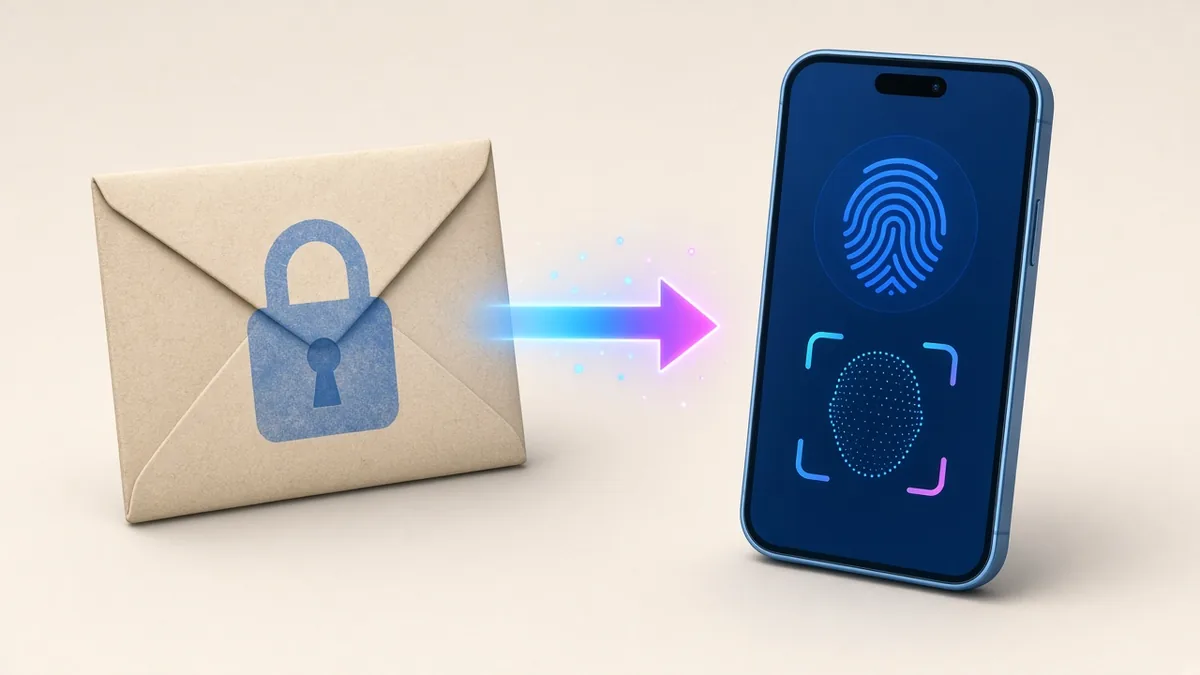
Binding an account to a trusted device and approving actions with the phone’s biometrics makes these attacks much harder. A criminal who has a stolen password and even an intercepted code still cannot approve a transfer without the registered phone and the user’s face or fingerprint. The Philippines’ Anti-Financial Account Scamming Act (Republic Act No. 12010), enacted in 2024, has also increased pressure on financial institutions to strengthen protections against account takeover and social engineering scams.
Related news: GCash adds QR payments with linked Visa cards
In other e-wallet news this week, The Manila Times reported that GCash now lets users make QR code payments using linked Visa cards, further integrating domestic QR payments with international card networks. Combined with GCash’s IPO activity, it is a reminder of how central e-wallets have become to daily commerce, and why their security matters to merchants as well as users.
What this means for Philippine businesses
You do not need to be a bank to apply these lessons. If your app or website has user accounts, stored credit, loyalty points, saved cards, bookings or payouts, it is a target for account takeover. Here is how to apply the same principles.
1. Do not rely on SMS OTP alone
SMS OTP is still useful as one layer, especially for sign-up and recovery, but for high-risk actions, such as changing the registered phone number, withdrawing funds or adding a new payout account, add stronger checks. Options include device binding, biometric confirmation through the phone’s secure hardware, authenticator apps or passkeys.
2. Bind sessions to trusted devices
Let users register a trusted device and require extra verification when a login comes from a new phone. Notify users by email and in-app whenever a new device is added.
3. Give users controls they can understand
Maya’s approach groups protection tools in one place. Your app can do the same with a simple “Security” screen showing active sessions and devices, recent logins, a “log out of all devices” button, transfer or spending limits and a way to freeze the account or card.
4. Add cooling-off periods for risky changes
When someone changes the email, phone number or payout bank account, delay large withdrawals for a set period and notify the old contact details. This gives the real owner time to react if the change was made by a scammer.
5. Monitor for unusual behaviour
Even simple rules help: many failed logins, a login from a new device followed immediately by a large transfer, or many new accounts using the same payout details. Flag these for review or require extra verification.
6. Educate without overwhelming
Short, timely messages work better than long security pages. Show a reminder that your staff will never ask for OTPs or passwords at the moments when users are most likely to be targeted, such as after a password reset or before a large transfer.
7. Protect your admin panel too
Attackers do not only target customers. Staff accounts with access to customer data or refunds should use two-factor authentication, individual logins and role-based permissions, with every action logged.
Balancing security and convenience
Too many security steps frustrate users and hurt conversion. The goal is to make everyday actions easy and risky actions safe. Viewing a balance or browsing products should be quick. Adding a new device, changing account details or sending a large amount should require stronger proof. Biometrics help here, because they are both secure and fast for the user.
Good design also matters for accessibility. Some users have older phones without fingerprint sensors or share a phone with family members. Offer secure alternatives so these users are not locked out.
Security features also support your business directly. Fewer account takeovers mean fewer refund disputes, fewer support tickets and less damage to your reputation. In a market where many users have heard of someone losing money to a scam, visible and easy-to-use protections can be a reason customers choose your app over a competitor’s.
Common scams your customers may face
Understanding the scams your users encounter helps you decide which protections matter most. In the Philippines, commonly reported patterns include:
- Fake customer support: scammers pose as an app’s support team on social media or by phone and ask for OTPs or login details to “fix” a problem.
- Phishing links: text messages or chats with links to fake login pages that look like the real app or website.
- Fake payment screenshots: buyers send edited screenshots of transfers that never happened, especially in online selling and livestream sales.
- “Wrong transfer” requests: a stranger claims to have sent money by mistake and asks for it back, often as part of a laundering or chargeback scheme.
- Account takeover after SIM swap: criminals take control of a phone number and use it to reset passwords.
For merchants, the fake screenshot problem is a good reason to confirm payments through your payment provider’s dashboard or automatic notifications rather than through images sent by customers. For app owners, verified in-app support channels and clear warnings about fake support accounts reduce the risk to users.
A checklist for app owners
- Which actions in our app could cost a user money or data if done by someone else?
- Do those actions require more than a password and SMS code?
- Can users see and remove the devices logged in to their account?
- Do we notify users of new logins, device changes and large transactions?
- Are payout and contact detail changes protected by a delay or extra check?
- Are staff admin accounts protected with two-factor authentication?
- Do we log security events and review them?
Frequently asked questions
Should my app still use SMS one-time passwords?
SMS OTPs are better than a password alone, but they can be intercepted or phished. Consider app-based confirmation, passkeys or device binding for sensitive actions, and keep SMS as a fallback.
Does the SIM Registration Act stop OTP scams?
The SIM Registration Act (Republic Act No. 11934) requires SIMs to be registered, which helps trace some fraud. It does not stop a customer from being tricked into sharing a code, so your app’s design still matters.
What should a security center in a small app include?
At minimum: a list of logged-in devices with a “log out” button, recent account activity, a way to change or lock the account, and a clear link to report fraud.
Do these features slow customers down?
They can if added everywhere. Apply extra checks to high-risk actions, such as changing a phone number, adding a new device or sending large amounts, and keep everyday actions simple.
Further reading on ServicioPro
Read our guides on mobile app development costs in the Philippines and app privacy compliance basics.
References
- Context.ph, “Maya: Use in-app tools – protect your money now,” October 7, 2026. context.ph
- Maya Support, “Why am I required to trust my device? Can I skip it?” support.maya.ph
- The Manila Times, “GCash Adds QR Payments Through Linked Visa Cards.” manilatimes.com