
9 min read
News date: September 21–28, 2026.
September 2026 brought several data security incidents involving Philippine government systems. On Monday, September 21, the National Privacy Commission (NPC) disclosed a data breach affecting the Land Transportation Franchising and Regulatory Board’s (LTFRB) Electronic Support System, known as LESS. A week later, the Department of Information and Communications Technology (DICT) said it was investigating a possible exposure of files belonging to 48 companies in one of its accreditation programmes, and Philstar also reported that the DICT was probing a possible breach involving the Environmental Management Bureau (EMB).
These incidents involve government agencies, but the lessons apply to any business that collects customer or partner data through a website, portal or app. Below we summarise the verified facts and the practical steps Philippine businesses can take.
The LTFRB LESS breach
According to the Daily Tribune, the NPC said the breach occurred on September 13, 2026 but was confirmed only on Monday, September 21. LESS is an online database and records platform managed by the LTFRB.
The NPC said in an advisory: “The incident generally affected the LESS data environment; however, the specific data involved and the full extent of the impact remain subject to technical validation.”
As a precaution, LESS was taken offline, and all LESS-related services and transactions were suspended until further notice. The LTFRB said it was coordinating with the DICT, the Cybercrime Investigation and Coordinating Center (CICC) and other technical experts to investigate the incident and make sure the system could be safely restored, and that it was in direct coordination with the NPC.
At the time of the reports, the exact data involved had not been confirmed. Anyone who has transacted with the LTFRB should watch official LTFRB and NPC announcements for updates and be cautious of messages that claim to be from the agency.
The DICT accreditation programme exposure
On September 27, Philstar reported that the DICT was investigating a potential data breach involving 48 companies in its DICT trust assessment provider (DTAP) accreditation programme. According to the DICT:
- Around 410 files associated with the firms may have been exposed, about 600 megabytes of data, or around 770 MB uncompressed.
- The files that may have been exposed include corporate registration records, permits, certifications, cybersecurity credentials, employment documents and DICT performance evaluations.
- An investigation was launched to verify the authenticity, source, nature and extent of the exposure.
The DICT said that if personal or other protected data is confirmed to be compromised, it “will take appropriate action,” including informing the affected companies in accordance with Republic Act 10173, the Data Privacy Act. “DICT remains committed to the security of information entrusted to it and to the integrity of the DTAP accreditation program,” the department said.
The next day, September 28, Philstar reported that the DICT was also probing a possible data breach involving the EMB. Details were still being verified at the time.
Why these incidents matter
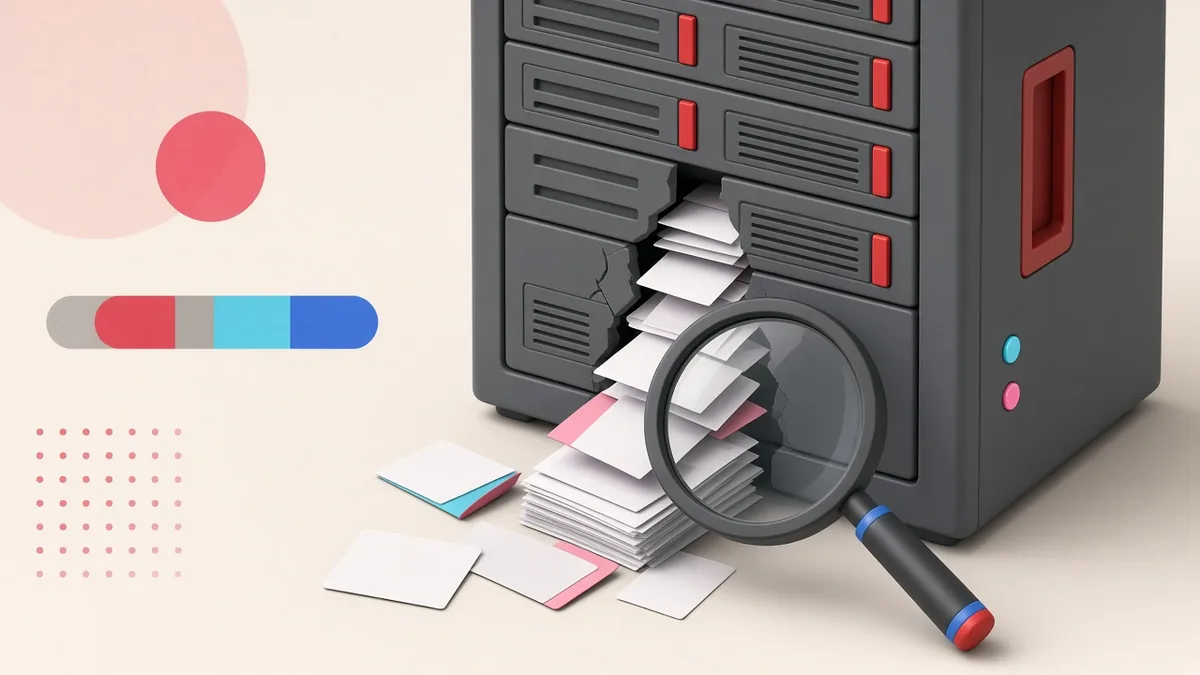
Two points stand out. First, there was a gap of about a week between the LTFRB incident and its confirmation. Detecting a breach and understanding its scope takes time, especially without good logging and monitoring. Second, the DICT exposure involved documents rather than a customer database: registration papers, permits and employment records. Many businesses forget that uploaded files, shared folders and backups can contain as much sensitive information as the main database.
The incidents also show the standard response steps: isolate the affected system, involve technical experts, notify the NPC and affected parties as required, and restore services only when it is safe.
Your obligations under the Data Privacy Act
The Data Privacy Act of 2012 applies to private businesses as well as government. In general terms, organisations that process personal data must protect it with reasonable organisational, physical and technical security measures. NPC rules also require notification of the Commission and affected individuals for certain personal data breaches within set timeframes. The details depend on the type of data and the risk to individuals, so businesses should read the NPC’s current guidance or consult a lawyer, and decide in advance who is responsible for breach response.
What this means for Philippine businesses
Most small and medium businesses now collect personal data online: contact forms, booking systems, e-commerce orders, job applications with CVs, loyalty programmes and customer accounts in apps. Here is a practical checklist based on the lessons of September.
1. Know what data you hold and where
List every place personal data is stored: your website database, form plugins, email inboxes, cloud folders, spreadsheets, backups and third-party tools. You cannot protect data you do not know you have.
2. Protect uploaded files
If customers or applicants upload IDs, permits or CVs, make sure the files are not stored in a publicly accessible folder with guessable links. Use private storage, require login to download and delete files you no longer need.
3. Keep software updated
Outdated WordPress plugins, themes and server software are among the most common entry points for attackers. Apply security updates promptly and remove plugins you do not use.
4. Use strong access control
Give staff individual accounts, use strong passwords and two-factor authentication, and give each person only the access they need. Remove access immediately when someone leaves.
5. Turn on logging and monitoring
Logs of logins, admin actions and file downloads help you detect a breach sooner and understand what happened. Set up alerts for unusual activity, such as many failed logins or large data exports.
6. Back up, and test your backups
Keep regular backups stored separately from your main server, and test restoring them. If you ever have to take a system offline, as the LTFRB did, good backups shorten the downtime.
7. Write a simple incident response plan
Decide now who does what if you suspect a breach: who investigates, who decides whether to take systems offline, who contacts your developer and hosting provider, and who handles notifications to the NPC and customers. A one-page plan is far better than improvising under pressure.
8. Watch for follow-on scams
After a publicised breach, scammers often send messages pretending to be from the affected organisation. Warn your customers that you will never ask for passwords or one-time PINs by text or chat.
Common weak points we see in small business websites
In our work maintaining websites for Philippine businesses, the same issues come up again and again. None of them requires a large budget to fix:
- Contact form entries stored forever. Many form plugins keep every submission in the database by default. If you already receive enquiries by email, you may not need years of stored entries.
- Old staging or test sites left online. Copies of a website created during development are often forgotten, never updated and easy to break into.
- Shared admin passwords. When several staff and former contractors use one admin login, there is no way to know who did what, and access is never fully removed.
- No SSL on some pages. Every page that collects information should load over HTTPS.
- Backups stored on the same server. If the server is compromised or fails, the backups go with it.
- Abandoned plugins. Plugins that have not been updated by their developers for years can contain unpatched vulnerabilities.
Fixing these basics greatly reduces the chance that your business becomes the subject of the next breach report.
Questions to ask your web developer or hosting provider
- Where are our form submissions and uploaded files stored, and are they publicly accessible?
- When were WordPress, our plugins and the server last updated?
- Do we have a web application firewall and malware scanning?
- How often are backups made, where are they kept and when was a restore last tested?
- What logs do we keep, and for how long?
- If we are hacked, what is your response time and what will you do first?
A simple incident response plan for small businesses
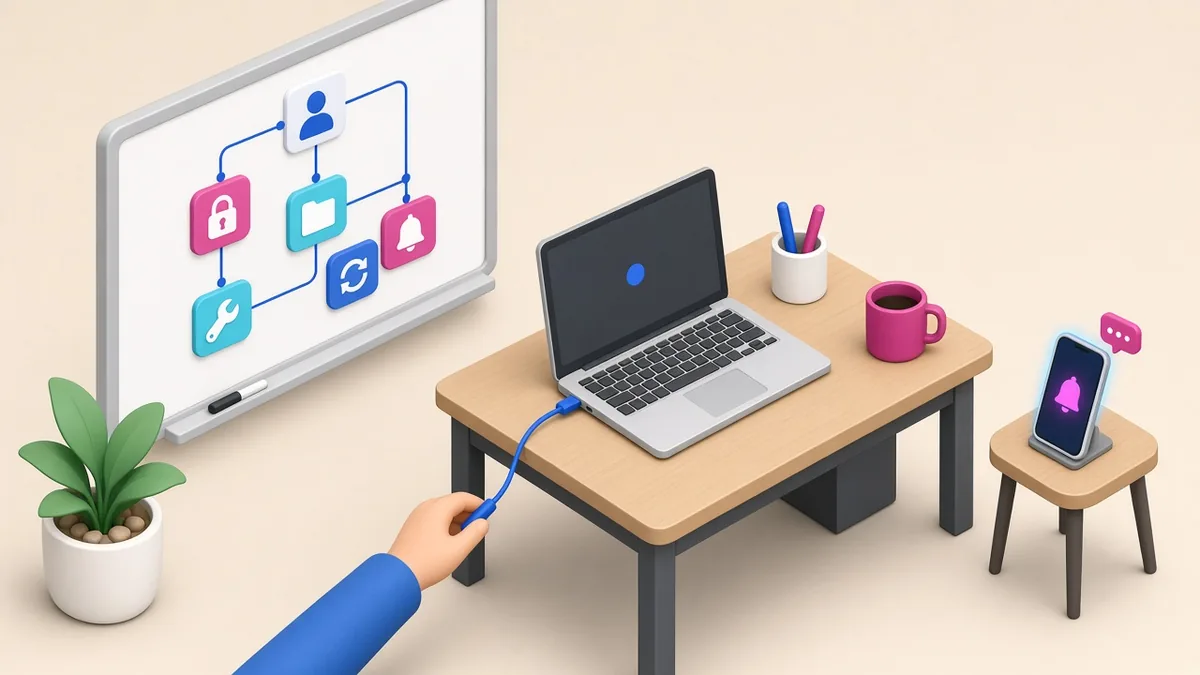
Most small businesses do not have a security team, but they can still prepare. Write down a one-page plan before anything happens:
- Name a person in charge. Decide who leads the response and who your Data Protection Officer is. The National Privacy Commission (NPC) expects organisations that process personal data to designate one.
- Contain first. Change exposed passwords and API keys, disable compromised accounts and take vulnerable pages offline if needed.
- Preserve evidence. Keep server logs and copies of affected files before cleaning up, so you can work out what was accessed.
- Assess and notify. Under NPC rules, personal data breaches that meet the notification threshold must be reported to the Commission and to affected people within 72 hours of knowledge. Check the current NPC circular and get advice when unsure.
- Fix the root cause. Patch the software, close the misconfiguration and confirm the fix with a test.
- Review afterwards. Record what happened and update your plan.
Practising this once a year, even as a short tabletop exercise, makes a real incident far less chaotic.
Frequently asked questions
Do small businesses have to report data breaches?
Under National Privacy Commission rules, breaches that meet the notification threshold—for example, those involving sensitive personal information or information that could enable identity fraud, and likely to cause serious harm—must be reported to the NPC and affected people within 72 hours of knowledge. Check the current NPC circular or get advice when unsure.
If my hosting provider is hacked, am I still responsible?
Generally yes. As the organisation that decided to collect the data, you remain responsible for protecting it, which is why your contracts with developers and hosts should cover security and breach notification.
What is the cheapest way to reduce breach risk?
Keep software updated, use strong unique passwords with two-factor authentication, remove files and accounts you no longer need, and keep tested backups.
Further reading on ServicioPro
Our guides on app privacy compliance basics in the Philippines and choosing a web developer explain how to build privacy and security into your project from the start.
References
- Daily Tribune, “Data breach hits LTFRB online system,” September 21, 2026. tribune.net.ph
- Philstar.com, “DICT probing data breach of 48 firms,” September 27, 2026. philstar.com
- Philstar.com, “DICT probing possible EMB data breach,” September 28, 2026. philstar.com
This article is general information, not legal advice. For your specific obligations, consult the National Privacy Commission’s guidance or a qualified lawyer.