7 min read
A restaurant or food business app in the Philippines should do three jobs well: let customers order quickly for pickup or delivery, take payment through GCash, Maya, cards or cash on delivery, and bring customers back through loyalty rewards and timely promos. Before choosing features, decide which model fits you: staying on aggregators only, adding your own web ordering page, launching your own branded app, or running a multi-restaurant delivery platform. Each needs a different budget and a different set of features.
This guide covers the options, the features that matter, and the operational details that decide whether a food app actually makes money.
Four models for food businesses
| Model | What it is | Good for | Main trade-off |
|---|---|---|---|
| Aggregators only | Listing on delivery platforms | New restaurants that need visibility | Commissions on every order; the platform owns the customer relationship |
| Own web ordering page | An ordering site linked from Facebook, Instagram and Google | Single outlets, home-based food sellers, cloud kitchens | No push notifications; needs marketing to drive orders |
| Own branded app | Your restaurant’s app on Google Play and the App Store | Chains, busy cafés and restaurants with loyal regulars | Higher cost; customers must be persuaded to install it |
| Multi-restaurant delivery platform | A marketplace with customer, merchant and rider apps | Entrepreneurs serving a town or province underserved by big platforms | You are now running a logistics business, not just a restaurant |
Many restaurants combine models: aggregators for discovery, their own ordering channel for regulars who would rather order direct.
Core ordering features
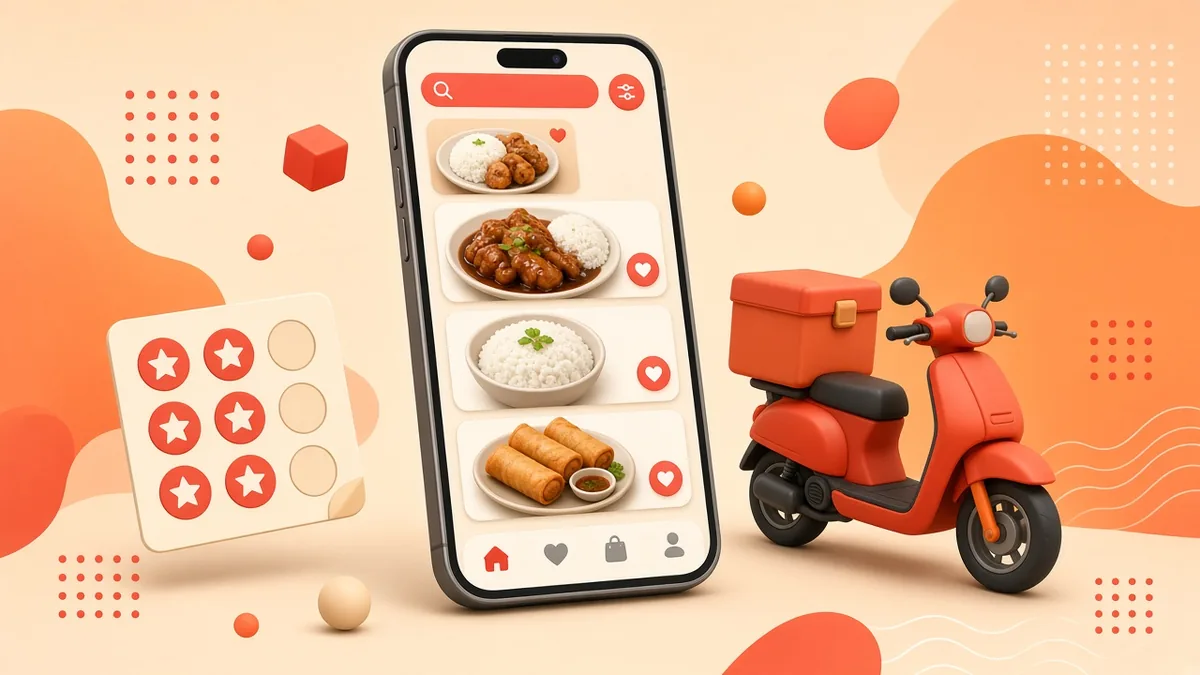
- A fast, photo-led menu. Categories, best-sellers at the top, and images compressed so the menu loads on mobile data.
- Modifiers and add-ons. Rice upgrades, spice level, drink size, extra toppings, “no onions”. These are where order errors happen, so make them clear.
- Pickup or delivery choice with estimated times.
- Delivery zones and fees. Set by barangay, distance or polygon on a map, with minimum order amounts.
- Scheduled orders. Useful for office lunches, party trays and advance orders for holidays.
- Store hours and item availability. Automatically close ordering outside hours and mark items sold out without calling the developer.
- Notes for the rider and kitchen. Landmark instructions matter when addresses are hard to find.
Payments
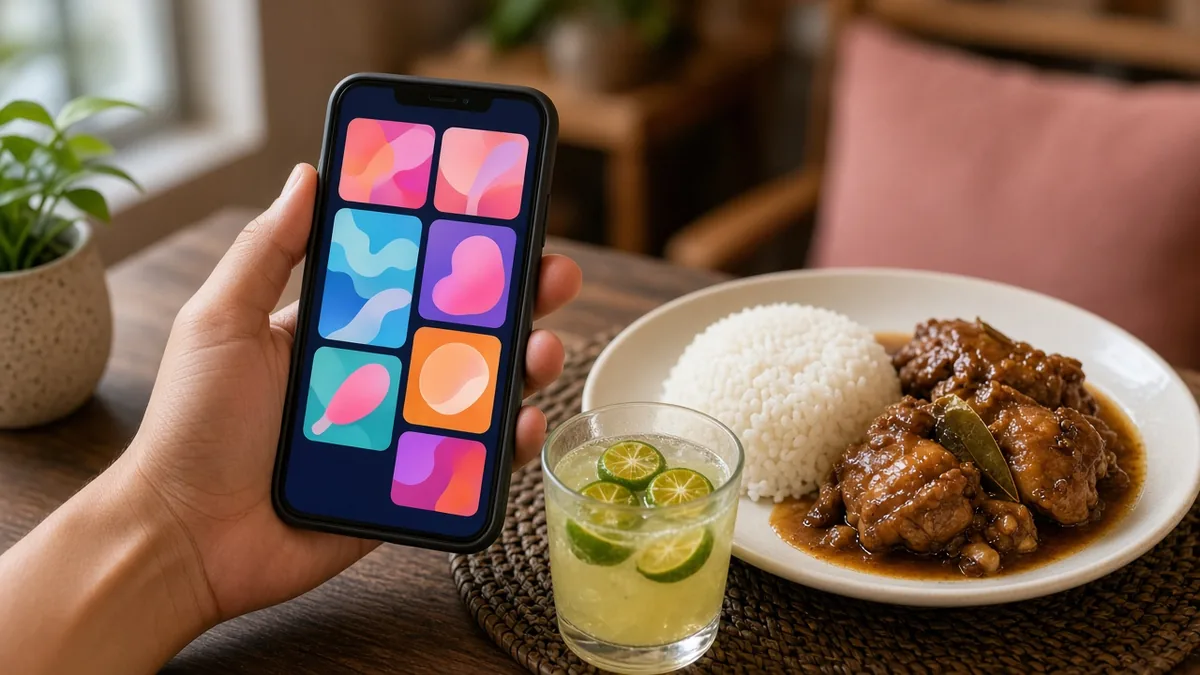
Offer the methods your customers use: GCash, Maya, cards and, for many food businesses, cash on delivery. A payment gateway confirms e-wallet payments automatically so staff are not checking screenshots at the dinner rush. Consider requiring prepayment for large or custom orders such as party trays and cakes. Our guide to accepting GCash and Maya payments explains the setup.
Kitchen and operations features
This is the side customers never see, and the side that decides whether online orders feel like a blessing or chaos.
- Order notifications that cannot be missed. A loud alert on a tablet, automatic ticket printing, or both.
- Order status flow: received, preparing, ready for pickup, out for delivery, completed. Customers get updates at each step.
- Branch routing. For multi-branch businesses, orders go to the nearest or chosen branch.
- Prep-time controls. Let staff extend estimated times or pause ordering when the kitchen is overwhelmed.
- Delivery handling. Your own riders with a rider app, or a process for booking third-party couriers.
- Reports. Sales by item, branch, hour and payment method; best-sellers; repeat customer rates.
Loyalty and retention features
Retention is where your own channel beats aggregators. Useful options:
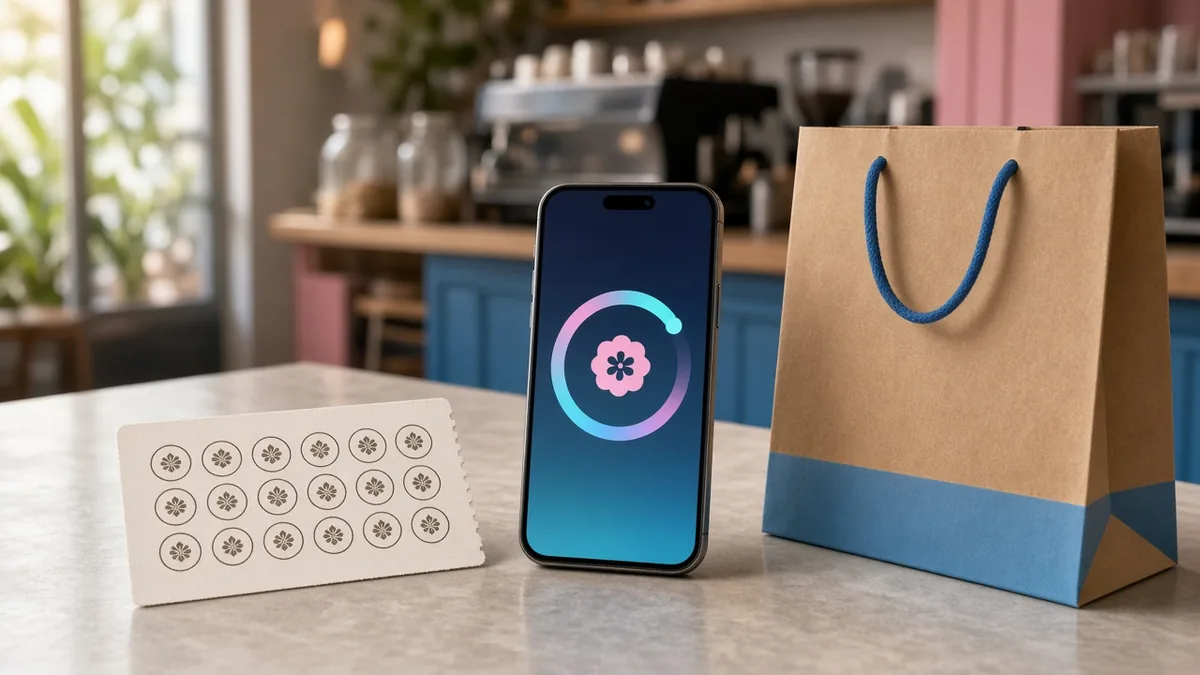
- Points or digital stamp cards, for example a free drink after a set number of purchases.
- One-tap reorder of a customer’s usual order.
- Birthday rewards (collect birthdays only with clear consent).
- Promo codes and vouchers for slow days, new menu items or payday weekends.
- Push notifications used sparingly. One well-timed message beats daily spam that gets your app uninstalled.
- Referral rewards that give both the customer and their friend a discount.
Features for multi-restaurant delivery platforms
If you plan to run a local delivery marketplace, you need a full platform: a customer app, a merchant app or panel for each restaurant to manage menus and orders, a rider app with navigation and earnings, and an admin dashboard for commissions, delivery fees, rider management, payouts and dispute handling. White-label platforms exist for exactly this model; see our explainer on white-label apps.
The software is the easier part. The hard work is signing up restaurants, recruiting and managing riders, setting fair fees and marketing to customers in your area.
Design for Filipino customers
- Use clear, friendly language; Taglish is fine if that is how your brand speaks.
- Show prices including any service or packaging charges before checkout.
- Make the delivery fee visible early. Surprise fees at checkout cause abandoned orders.
- Handle weak signal gracefully: keep the cart saved if the connection drops.
- Offer a quick way to reach the store, such as a call or Messenger button, for order issues.
Web app or installable app?
For a single outlet, a fast web ordering page linked from your social media and Google Business Profile is often the best first step, because customers can order without installing anything. A branded app makes more sense when you have enough regulars to benefit from loyalty and push notifications. Our comparison of native, hybrid and web apps goes deeper.
Data privacy
A food app collects names, phone numbers, addresses and order history. The Data Privacy Act of 2012 (RA 10173) applies: publish a privacy notice, collect only what you need, get consent for marketing messages, and secure your admin access.
Common mistakes food businesses make
- Launching an app without a plan to tell existing customers about it (table tents, receipts, social posts, staff reminders)
- Menus that do not match what the kitchen can actually make during peak hours
- No one assigned to monitor online orders during busy service
- Promos that attract one-time bargain hunters but no repeat customers
- Forgetting to update prices online after a menu price change
Planning checklist
- Which model: web ordering, own app, or multi-restaurant platform?
- Pickup, delivery or both? Who delivers?
- Which payment methods, and do you have a gateway account?
- How will orders reach the kitchen (tablet, printer, both)?
- Who updates the menu and availability?
- What loyalty mechanic will you launch with?
- What is your budget for marketing the channel, not just building it?
Frequently asked questions
Will customers really download my restaurant’s app?
Regulars will if there is a clear benefit, such as loyalty rewards, exclusive items or faster reordering. Occasional customers are better served by a web ordering link.
Should I leave the delivery aggregators?
Most restaurants keep using them for visibility. Your own channel is for customers who already know you and would rather order direct.
Can the app work with my existing POS?
It depends on the POS. Some offer integrations or APIs; others require staff to enter online orders manually. Check this before you start, because it affects both cost and daily workload.
Do I need my own riders?
Not necessarily. Many restaurants start with pickup plus third-party couriers, then hire riders once volume justifies it.
More guides
- WordPress vs Custom-Coded Website: What Should You Choose?
- How to Write a Clear Brief for Your Web or App Developer (With Template)
- Local SEO for Philippine Businesses: How to Get Found on Google and Google Maps
- E-commerce Website vs Selling on Lazada or Shopee: Pros, Cons and Costs
- How to Accept GCash and Maya Payments on Your Website or App