7 min read
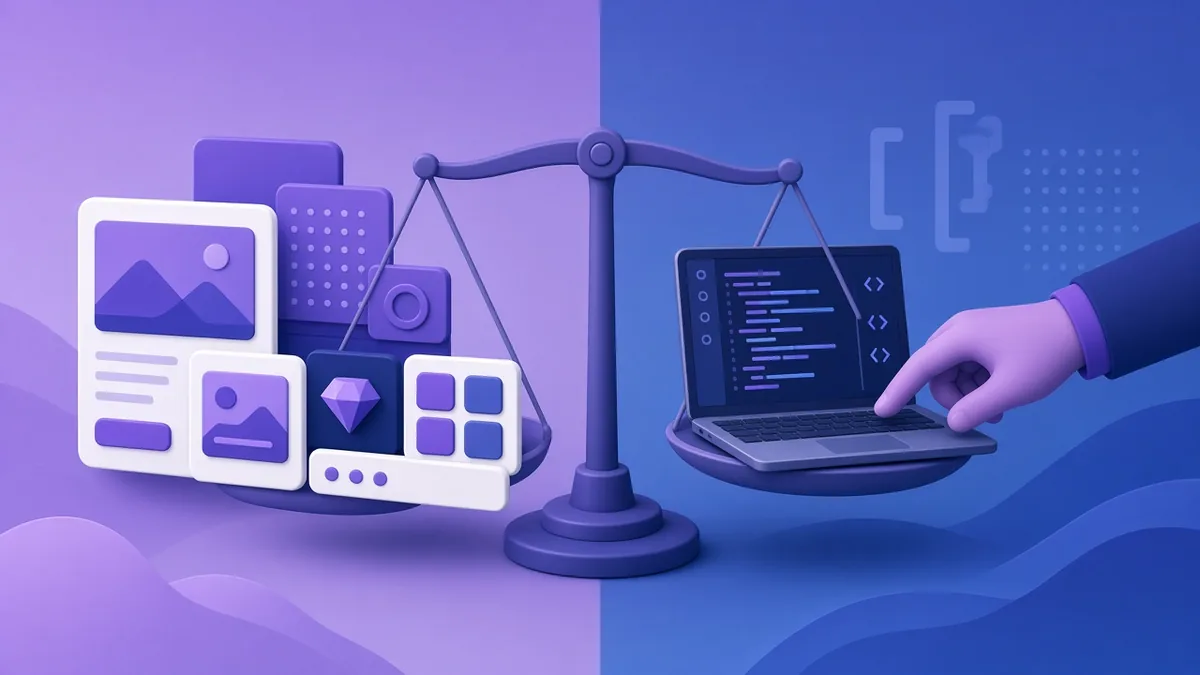
Choose WordPress if you need a content-driven business website, blog or small-to-medium online store that you want to update yourself, built quickly and at a reasonable cost. Choose a custom-coded website or web application if your site is really a piece of software: unique workflows, complex user roles, heavy integrations or very high traffic, where off-the-shelf plugins would be forced to do things they were not designed for. For most Philippine SMEs, WordPress is the practical choice; custom code earns its cost when the website itself is the product.
Below is a fair comparison, including the downsides of each approach that sales pitches tend to skip.
What each option means
WordPress
WordPress is a free, open-source content management system (CMS). A developer installs it on your hosting, configures a theme for your design, and adds plugins for extra features such as contact forms, SEO tools, booking or e-commerce (WooCommerce). You log in to a dashboard to edit pages and posts.
Custom-coded website
A custom site is built by developers using a programming framework (for example Laravel, Django, Next.js or similar) to do exactly what your business needs. There is no pre-built theme or plugin ecosystem; every feature is written for you. If you need an admin area, it is built too.
Comparison table
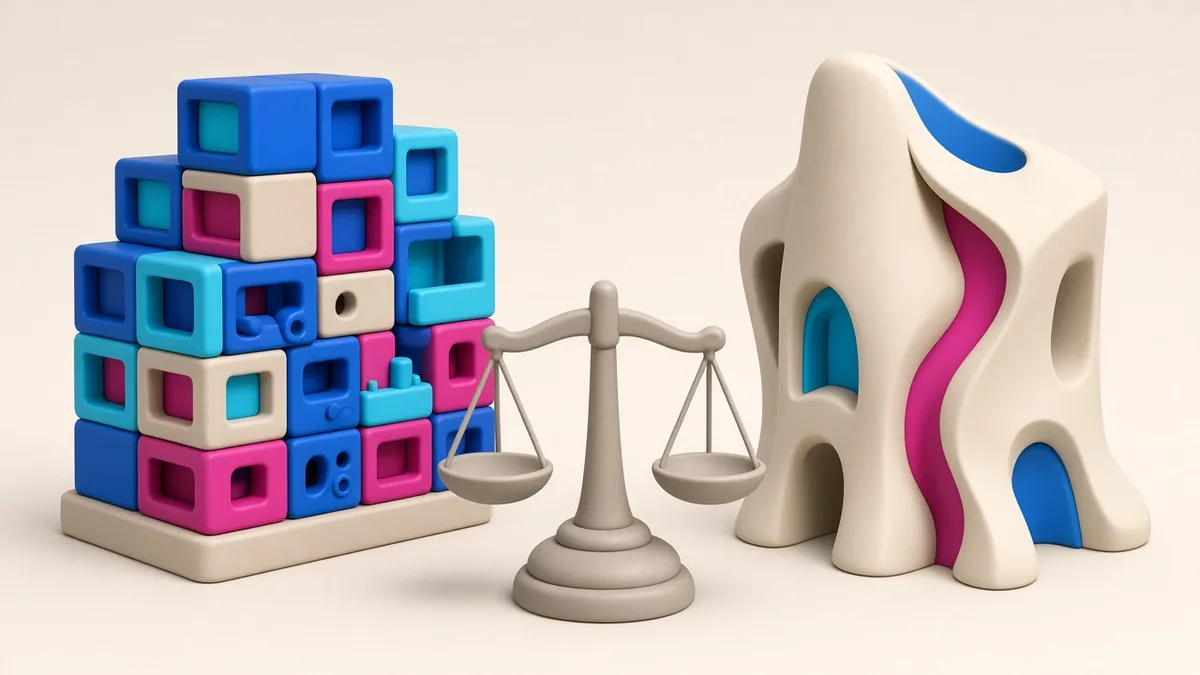
| Factor | WordPress | Custom-coded |
|---|---|---|
| Upfront cost | Lower; themes and plugins do much of the work | Higher; every feature is built |
| Time to launch | Days to weeks for most business sites | Weeks to months |
| Editing content yourself | Easy, familiar dashboard | Only as easy as the admin area you pay for |
| Flexibility | Very high for standard features; awkward for unusual logic | Unlimited, within budget |
| Performance | Can be fast; often slowed by heavy themes and too many plugins | Can be very fast because only necessary code is included |
| Security | Popular target; safe when core, themes and plugins are kept updated | Smaller attack surface, but security depends entirely on the developers’ skill |
| Finding another developer later | Easy; WordPress skills are widespread | Harder; the new developer must learn your codebase |
| Ongoing maintenance | Regular updates of core, theme and plugins; some paid licences | Framework and dependency updates; changes need a developer |
When WordPress is the right choice
- Business and professional websites: clinics, law firms, contractors, schools, consultancies, restaurants.
- Content and SEO-driven sites: blogs, guides, news and resource sections that you update often.
- Small to medium online stores using WooCommerce, with local payment gateways such as PayMongo, Maya Checkout or Xendit through their plugins.
- Tight budgets and timelines, where a well-configured theme gets you online in days.
- Teams without developers, who want to update prices, promos and posts themselves.
When custom code is worth it
- Unique business processes: a lending application workflow, a logistics dispatch system, an HR or school management portal.
- Multiple user roles with complex permissions: clients, agents, approvers, admins, each seeing different data.
- Heavy integrations: ERP, accounting, government systems, custom APIs used by your own mobile app.
- High traffic or performance demands where every millisecond and server peso counts.
- Software as the product: a SaaS platform or marketplace where your code is your competitive advantage.
The downsides nobody mentions
WordPress pitfalls
- Plugin overload. Every plugin adds code, potential conflicts and security exposure. A site with dozens of plugins is slower and harder to maintain.
- Heavy page builders and sliders can make pages bloated, which hurts speed on mobile data.
- Neglect. An unmaintained WordPress site with outdated plugins is one of the most common ways small business sites get hacked.
- Licence renewals for premium themes and plugins can add up.
Custom-code pitfalls
- Developer dependency. If the original developer leaves and the code is poorly documented, changes become slow and expensive.
- Rebuilding the basics. Things WordPress gives you free, such as SEO settings, media library, user management and editing, must be built and paid for.
- Longer time to value. You wait longer before the site starts bringing in business.
Thinking about cost over three years
Compare total cost of ownership, not just the build quote. Over three years, a WordPress site typically involves the initial build, hosting, domain renewal, any premium plugin or theme licences, and maintenance time for updates. A custom site involves a larger initial build, hosting (sometimes more specialised), and developer time for every change, including small ones you could have made yourself in WordPress.
Custom sites can have lower plugin costs and fewer security updates, but each new feature is a development project. WordPress sites can add features cheaply with plugins, but need disciplined maintenance. Ask each developer to estimate the running costs for year one, two and three so the comparison is fair.
Also factor in time to market. If a WordPress site can be live in two weeks and a custom site in three months, that is ten weeks of inquiries, sales and search visibility you would otherwise miss.
Hybrid options
It is not always either-or:
- WordPress plus custom plugins: keep WordPress for content and build one custom plugin for the feature that makes you different.
- WordPress for marketing, custom app for the product: for example, a WordPress site that explains your service and a custom web app at app.yourdomain.com where customers log in.
- Headless WordPress: content managed in WordPress, displayed through a custom front end. Powerful, but adds cost and complexity that most SMEs do not need.
Questions to help you decide
- Will the site mainly present information and take inquiries, or will users log in and do complex tasks?
- How often will you update content, and who will do it?
- Can the features you need be handled by a reputable, maintained plugin?
- What is your budget for year two and beyond, not just the build?
- How important is it that another developer can take over easily?
If your honest answers are “information and inquiries”, “often, by our staff”, “yes”, “modest” and “very important”, WordPress is almost certainly the better choice.
Frequently asked questions
Is WordPress secure enough for a business website?
Yes, when it is maintained properly: updated core, themes and plugins, strong passwords, limited admin accounts, reputable plugins only, backups and a good host. Most WordPress hacks involve outdated or abandoned plugins.
Is a custom website better for SEO?
Not automatically. SEO depends on content quality, site speed, structure and technical setup. A well-built WordPress site can rank just as well as a custom one; a badly built custom site can rank worse.
Can I move from WordPress to custom later?
Yes. Content can be exported and migrated. Plan URL redirects carefully so you keep your search rankings when you switch.
What about website builders like Wix or Squarespace?
They are quick for very simple sites, but you are tied to their platform and pricing, and flexibility is more limited. WordPress gives you more ownership and portability.
More guides
- How to Write a Clear Brief for Your Web or App Developer (With Template)
- Local SEO for Philippine Businesses: How to Get Found on Google and Google Maps
- Restaurant and Food Business Apps in the Philippines: Ordering, Delivery and Loyalty Features
- E-commerce Website vs Selling on Lazada or Shopee: Pros, Cons and Costs
- How to Accept GCash and Maya Payments on Your Website or App