

7 min read
A good brief for a web or app developer fits on one to three pages and answers seven questions: what your business does, what the project should achieve, who will use it, what it must include, what you already have, when you need it, and how much you can spend. With that, developers can give accurate quotes and realistic timelines instead of guesses. Below is a copy-ready template, plus tips on what to include and what to leave out.
Why a brief saves you money
When developers do not have enough information, they either pad their quotes to cover unknowns or quote low and add charges later. A clear brief reduces both risks. It also lets you compare quotes fairly, because every developer is pricing the same thing, and it becomes the reference point if there is ever a disagreement about scope.
The brief template
Copy the sections below into a document and fill them in. Short answers are fine. Bullet points are better than long paragraphs.
1. About your business
- Business name and what you do, in two or three sentences
- Location(s) and areas you serve
- How long you have been operating and roughly how big you are (branches, staff)
- Your current website, app or social media pages, if any
2. Project goal
- What problem should this project solve?
- What is the single most important action you want users to take? (call, book, buy, request a quote, sign up)
- How will you know it is working six months after launch? (for example more inquiries, online orders, fewer phone calls for appointments)
3. Your users
- Who are your customers? Age range, location, occupation, language
- What devices do they mostly use? (budget Android phones, iPhones, office desktops)
- What do they usually ask before buying from you?
- Are there other user types? (staff, riders, merchants, admins)
4. Scope: pages or screens and features
- List of pages (website) or main screens (app) you think you need
- Must-have features at launch
- Nice-to-have features that could wait for phase two
- Payment methods needed (GCash, Maya, cards, bank transfer, COD)
- Integrations with other tools (POS, accounting, booking calendar, CRM, courier)
- Languages (English, Filipino, others)
5. What you already have
- Domain name (and whether you have the login)
- Hosting account
- Logo and brand guidelines (colours, fonts)
- Photos and videos
- Written content, product lists, price lists
- Business registration (DTI/SEC, BIR) if you need payment gateways or app store organisation accounts
6. Style and references
- Two to four websites or apps you like, and specifically what you like about each
- Anything you dislike or want to avoid
- Competitors you want to stand apart from
7. Timeline
- Target launch date, and why (a store opening, a campaign, a season)
- Is the date fixed or flexible?
- Any periods when you will be unavailable for feedback
8. Budget
- Budget range for the build
- Budget for monthly or yearly running costs (hosting, maintenance, services)
- Preferred payment terms
9. After launch
- Who will update content?
- Do you need maintenance, hosting or marketing support?
- Do you need training for staff?
10. Contact and decision-making
- Main contact person and preferred channel (email, Viber, WhatsApp)
- Who approves designs and final launch?
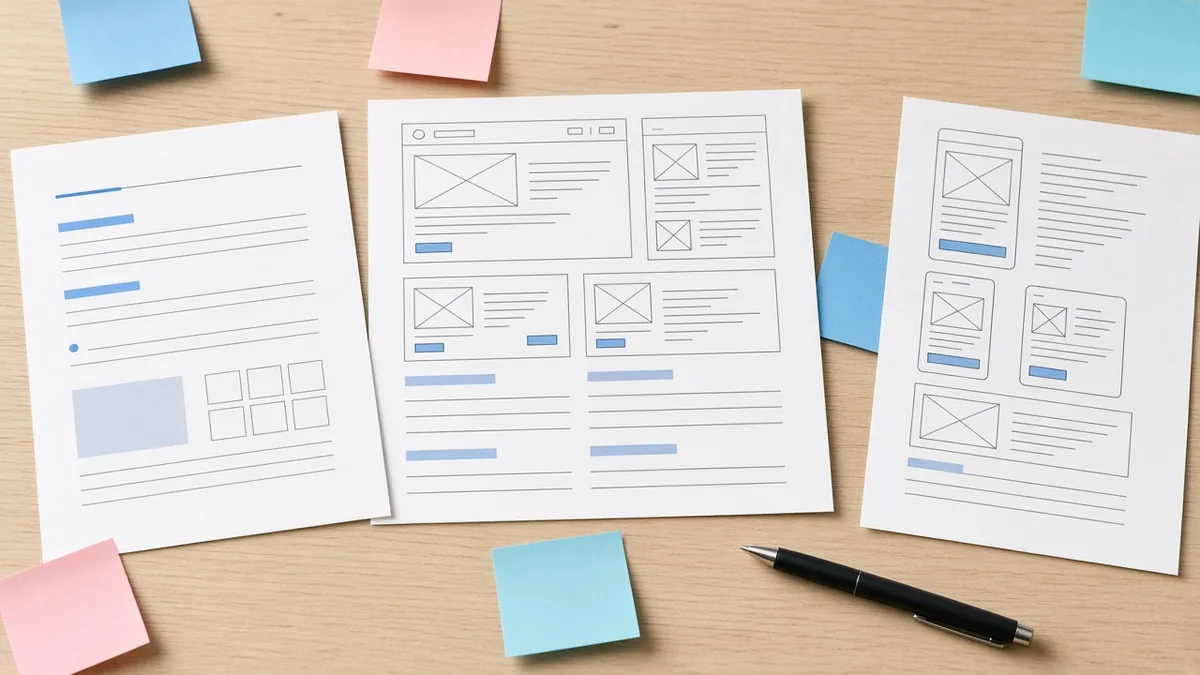
Example: a short brief for a dental clinic website
Here is a fictional example to show the level of detail that helps:
| Section | Example answer |
|---|---|
| Business | Two-dentist family clinic in Cainta, Rizal, open Monday to Saturday |
| Goal | Get more new patients from Google and let patients request appointments online instead of calling |
| Users | Parents aged 28–50 in Cainta, Taytay and Antipolo, mostly on Android phones |
| Must-haves | Services with starting prices, dentist profiles, HMOs accepted, appointment request form, map, Viber button |
| Nice-to-haves | Online payment of deposits, blog with dental care tips |
| Already have | Logo, domain (login available), clinic photos; no written content |
| Timeline | Live before school opening; flexible by two weeks |
| Budget | Build within a stated range; hosting and maintenance paid yearly |
A developer can quote this in one pass. Compare that with “We need a website for our clinic, how much?”
Extra sections for app projects
If you are commissioning a mobile app, add:
- User roles and their main tasks. For example: customer places orders; rider accepts and completes deliveries; merchant manages menu; admin sets fees and handles refunds.
- Platforms. Android only, iOS only, or both at launch.
- Developer accounts. Whether you already have Google Play and Apple Developer accounts, and in whose name.
- Regulatory notes. Anything licensed or regulated (transport, lending, health data, e-money).
- Expected scale. Rough numbers of users, orders or merchants in the first year.
Extra sections for a redesign
If you are replacing an existing website, add a few details that protect what already works:
- What works now: pages that bring inquiries, content customers like, features you must keep
- What does not work: the specific problems you want fixed (slow, hard to update, looks outdated, not showing on Google)
- Traffic data: access to Google Analytics and Search Console, so the developer can see which pages bring visitors
- Important URLs: pages that rank well or are linked from elsewhere, so they can be kept or properly redirected to avoid losing search traffic
- Current accounts: who controls the domain, hosting and email today
What to leave out
- Technical instructions you are unsure about. Describe the outcome (“customers can pay with GCash”) rather than prescribing technology unless you have a real reason.
- Every feature idea you have ever had. Put extras in a “later” list so the core project stays affordable.
- Passwords. Share logins securely once you have chosen a developer, not in a brief sent to several vendors.
Tips for writing a brief that gets good quotes
- Write it in plain language. You do not need technical terms.
- Be honest about the budget. A range helps developers propose what is realistic instead of guessing.
- Be specific about the main action. It shapes every design decision.
- Send the same brief to every developer you are comparing.
- Invite questions. Good developers will ask clarifying questions; that is a positive sign.

After you send the brief
Use the replies to compare not just price but understanding. Did the developer restate your goal accurately? Did they point out risks or suggest phasing? Our guides on choosing a web developer and freelancers vs agencies help you evaluate the responses, and website costs and app costs give you pricing context.
Frequently asked questions
How long should a brief be?
One to three pages is enough for most websites. App projects may need a little more, especially if there are several user roles.
Should I share my budget with developers?
Yes, at least as a range. It helps developers recommend what is achievable and saves time for both sides.
What if I do not know what features I need?
Focus on goals and users. Describe what you want customers to be able to do, and let the developer suggest features to achieve it.
Is a brief the same as a contract?
No. The brief describes your needs. The developer’s proposal or statement of work, once agreed, defines the actual scope, price and timeline.
More guides
- Local SEO for Philippine Businesses: How to Get Found on Google and Google Maps
- WordPress vs Custom-Coded Website: What Should You Choose?
- Restaurant and Food Business Apps in the Philippines: Ordering, Delivery and Loyalty Features
- E-commerce Website vs Selling on Lazada or Shopee: Pros, Cons and Costs
- How to Accept GCash and Maya Payments on Your Website or App