8 min read
News date: September 14, 2026.
On September 14, 2026, Apple released the next generation of Apple Intelligence with its 2027 software releases, including iOS 27, iPadOS 27 and macOS 27. The headline feature is Siri AI, which Apple describes as “a completely reimagined version of Siri that is more personal and powerful.” Siri AI began rolling out in beta in English, with Apple saying it would expand to French, Japanese, Korean, Portuguese and Spanish the following month. Apple also says the new capabilities are powered by the next generation of Apple Foundation Models, “custom-built in collaboration with Google and its Gemini models.”
Many Filipino professionals and business owners use iPhones, and these changes affect how people search, browse, shop and use apps. This article covers what Apple announced and what it means for Philippine businesses with websites and mobile apps.
What Apple announced
- Siri AI: a more conversational assistant with personal context understanding, broad world knowledge, onscreen awareness and more systemwide app actions. Apple says it can answer questions on almost any topic and surface information from a user’s messages, emails and photos.
- App actions: Apple says Siri AI can help with tasks such as drafting an email from scratch or editing and sharing a set of photos, and that it “already works seamlessly with apps from Apple’s vast ecosystem of developers.”
- Writing tools: Apple Intelligence now proofreads automatically as users type, including within most third-party apps. In Mail and Messages, Siri can reflect how users usually write to each recipient.
- Safari: Safari can organise tabs into topics automatically, notify users of website changes such as product restocks or price drops with a feature called Notify Me, and create custom extensions based on a user’s description.
- Other features: new editing capabilities in Photos, an all-new Image Playground that can create photorealistic imagery, and Siri Recap, which can generate summaries of conversations.
- Privacy: Apple says the models run on device and on servers using Private Cloud Compute, and that when Private Cloud Compute handles requests, users’ personal data is not stored or made accessible to Apple or anyone else.
Which devices are supported
According to Apple, Apple Intelligence in the 2027 releases is available on iPhone 16 models or later, iPhone 15 Pro and iPhone 15 Pro Max, iPad models with M1 or later and iPad mini (A17 Pro), Mac models with M1 or later, Apple Vision Pro, and Apple Watch Series 9 or later, Apple Watch Ultra 2 or later and Apple Watch SE 3 when paired with a supported iPhone. Older iPhones will not get these features, so many users will still be on earlier experiences for some time.
The Apple and Google connection
Apple’s statement that its new foundation models were built in collaboration with Google and its Gemini models is notable. Apple and Google compete in smartphones, but this shows how central a small number of AI model providers have become. For businesses, it is another sign that AI assistants, whether Siri, Google’s Gemini or ChatGPT, are becoming a normal layer between customers and the information they look for.
Why this matters for websites
Assistants increasingly read your site for the user
When people ask Siri or another assistant a question, the assistant may summarise information instead of sending them to a list of links. To be represented accurately, your website should state important facts clearly: what you sell, where you operate, prices or price ranges, opening hours and how to contact you. Clear headings, structured data and up-to-date content help both search engines and AI assistants understand your business.
Safari’s Notify Me rewards accurate product pages
If iPhone users can ask Safari to notify them when a product is back in stock or a price drops, online stores with clear, accurate stock and price information on each product page will be easier to track. Keep product pages consistent, avoid hiding prices behind “message us” where possible, and update availability promptly.
Proofreading and writing tools change form behaviour
With system-wide proofreading in most third-party apps, users may type longer, cleaner messages in contact forms and chat. That is good news for enquiries, but make sure your forms accept longer text and do not block common punctuation.
Why this matters for mobile apps
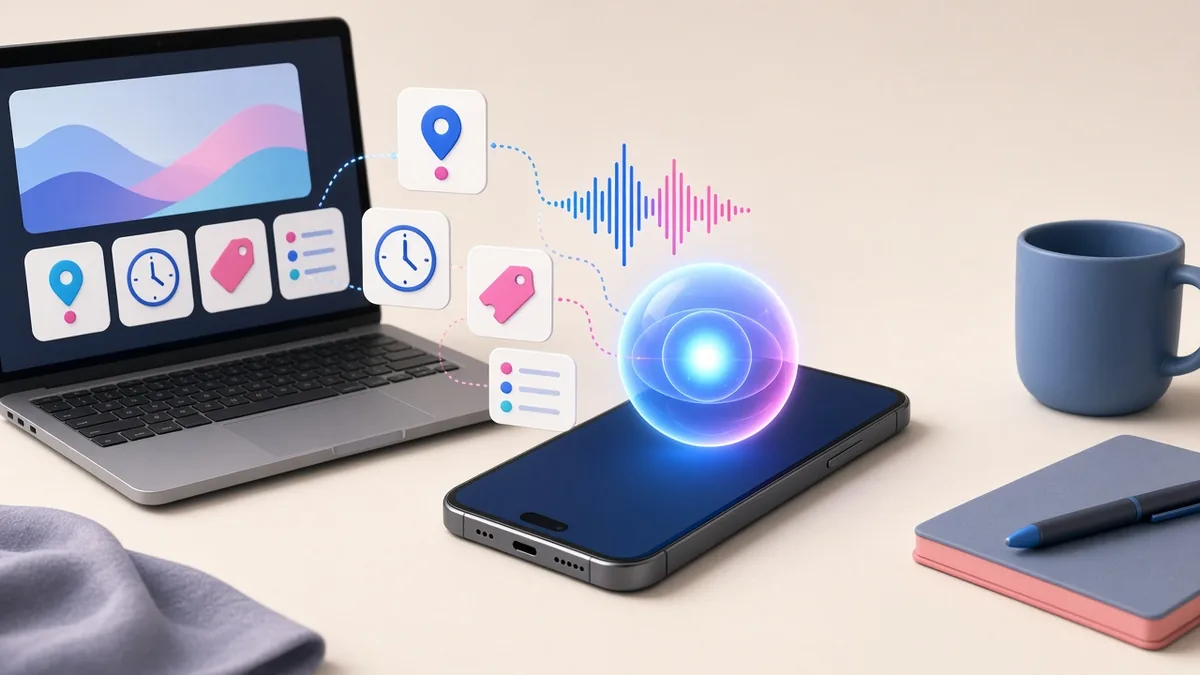
Siri AI’s emphasis on systemwide app actions and onscreen awareness means apps that expose their key actions to the system can be used more easily through the assistant. On Apple platforms, developers do this using Apple’s App Intents framework. For a Philippine business app, useful actions might include “reorder my last order,” “book a cleaning for Saturday,” “check my delivery status” or “show my loyalty points.”
Apps that do not integrate may still work normally, but they could feel less convenient to iPhone users who start to rely on voice and assistant commands. If you have an iOS app, ask your developer which actions are worth exposing and how they handle privacy and confirmation for sensitive actions such as payments.
What this means for Philippine businesses
- Make key facts explicit on your website. Services, locations served, prices or ranges, hours, contact details and policies should be on clearly titled pages, not only in images or social media posts.
- Use structured data. Schema markup for your business, products, reviews and FAQs helps machines interpret your pages correctly.
- Keep product information current. Stock, prices and promotions should be accurate on your site, not just announced on Facebook.
- Plan assistant features for your iOS app. Identify two or three frequent actions and make them available through App Intents in your next update.
- Do not forget Android. Most Filipino smartphone users are on Android. Assistant and AI features matter there too, so plan improvements for both platforms.
- Respect privacy. When your app shares data with system features or AI services, follow the Data Privacy Act and Apple’s App Store privacy requirements, and explain clearly what is shared.
A practical example
Imagine a laundry service in Quezon City with an iOS app. Today, a customer opens the app, logs in, selects a service and books a pickup. With assistant actions available, the same customer could ask Siri to book the usual laundry pickup for tomorrow morning, then confirm the details shown. The business benefits from more repeat bookings with less effort from the customer. Building this requires defining the action in the app, handling login and confirmation securely and testing it carefully, which is a normal part of an app update rather than a full rebuild.
Frequently asked questions
Do I need to rebuild my app for iOS 27?
Usually not. Existing apps generally continue to work after a major iOS update, although you should test your app on the new version and fix any issues. Adding assistant actions is an enhancement you can plan for a regular update.
Will Siri AI reduce visits to my website?
For some simple questions, users may get an answer without visiting a website. For decisions that matter, such as buying, booking or hiring, people still want details, photos, reviews and a way to contact you. Make sure those pages are clear and fast, and measure your traffic and enquiries over the coming months rather than assuming the worst.
Is Siri AI available in Filipino?
Apple’s announcement listed English at launch, with French, Japanese, Korean, Portuguese and Spanish to follow. Filipino was not mentioned. Many Filipino iPhone users use English, so English content on your site and app remains important.
Does this affect my Google ranking?
Apple’s features do not change Google’s rankings. However, the same qualities that help assistants understand your site, such as clear content, accurate information and structured data, also support good search performance.
What to watch next
Siri AI started as a beta in English, and Apple said more languages would follow. As adoption grows, watch how much traffic and how many enquiries come from iPhone users, and how assistant features change user behaviour in your analytics.
Practical steps for the next three months
You do not need to wait for every detail of Apple’s rollout to prepare. These steps help with AI assistants in general, not just Siri:
- Make key facts easy to find. Put your business name, address, opening hours, phone number and service areas in plain text on your website, and keep them consistent with your Google Business Profile.
- Add structured data. Schema markup for your organisation, products, FAQs and local business details helps machines read your pages accurately.
- Write clear answers. Create pages that answer the questions customers ask, such as prices, delivery areas, payment options and return policies, in short, direct sentences.
- Check speed on mobile data. Many Filipinos browse on mobile connections, so test your pages on a phone, not just office Wi-Fi.
- Review your app’s main actions. List the three things customers do most in your app, such as booking, ordering or checking status, and ask your developer how those could be exposed to system features as Apple publishes guidance.

Further reading on ServicioPro
Read our guides on mobile app development costs in the Philippines, must-have features for a business website and native vs. hybrid vs. web apps.
References
- Apple Newsroom, “Siri AI, a profoundly more capable and personal assistant, is here,” September 14, 2026. apple.com
- Apple Developer Documentation, “App Intents.” developer.apple.com